
Dell Optiplex 9020 Desktop Computer
3.6Editor score
Renewed with 90-day warranty
Includes 20-inch monitor
Windows 11 Pro installed
Choosing the right desktop computer for kids requires balancing performance, durability, and ease of use. Whether for homework, creative projects, or light gaming, the right machine supports growth and learning without breaking the bank.
This guide compares ten highly rated desktops, focusing on processor speed, memory capacity, and storage options. We evaluate build quality, screen size, and included peripherals to ensure a complete setup for young users at home or school.
Each pick highlights key strengths, potential trade-offs, and ideal use cases for different age groups. Prices and availability change frequently, so check current listings before purchasing to ensure you get the best deal available today.
3.6Editor score

4.5Editor score

4.3Editor score
As an Amazon Associate we earn from qualifying purchases.
The following table provides a side-by-side comparison of all ten desktop computers, highlighting key specifications like processor type, RAM, storage, and monitor size to help you decide quickly.




This renewed Dell desktop offers a full package at an entry-level price. It features an Intel Quad-Core i5 processor paired with 8GB of RAM to handle basic tasks smoothly.
We may earn a commission when you buy through this link, at no additional cost to you.
The included 20-inch monitor makes it ready to use out of the box. With Windows 11 Pro installed, families get access to modern security features without extra setup.
Storage is handled by a 500GB HDD, which is adequate for school files and media but slower than an SSD. It suits light users who do not need heavy multitasking.
Ideal for budget-conscious families needing a reliable machine for homework and browsing. It is a solid choice for younger kids starting their digital journey.
This bundle includes everything needed to start immediately without hunting for additional peripherals. You get a functional monitor and keyboard set alongside the computer itself.
As a renewed product, it comes tested and certified for reliability with a 90-day warranty for peace of mind during initial use.
We may earn a commission when you buy through this link, at no additional cost to you.
The HP All-in-One combines sleek design with practical performance for daily tasks. Its Intel N100 processor provides efficient speed for browsing and document editing.
We may earn a commission when you buy through this link, at no additional cost to you.
The 21.5-inch FHD screen offers clear visuals with an anti-glare coating. This reduces eye strain during long study sessions or video calls with teachers.
Storage is a mix of internal drive and SD card expansion via the docking hub. While flexible, users might need to manage files carefully over time.
Best for students needing a tidy workspace with strong visual quality. The modern chip and bundled accessories make it a standout choice for home study.
By integrating the monitor and computer, this system frees up desk space. It is perfect for shared bedrooms or limited home office areas.
The included 8-in-1 docking hub allows connection to multiple devices. This makes transferring files to cameras or printers straightforward.
We may earn a commission when you buy through this link, at no additional cost to you.
This Lenovo All-in-One delivers premium build quality and fast performance. The Intel i3-N305 processor with 16GB RAM handles multitasking without lag.
We may earn a commission when you buy through this link, at no additional cost to you.
The 23.8-inch borderless display features 99% sRGB color accuracy. This is excellent for digital art projects or watching high-quality educational videos.
A 512GB PCIe SSD ensures quick boot times and instant application launches. It provides ample room for large media files and growing school projects.
Perfect for creative kids who need reliable performance. The sleek design and robust hardware justify the cost for serious learners and content creators.
The IPS anti-glare display with wide color gamut makes images look vibrant. This enhances the experience of visual learning and creative work.
With 16GB of memory, users can run multiple tabs and apps simultaneously. This ensures smooth transitions between research and writing tools.
We may earn a commission when you buy through this link, at no additional cost to you.
This HP Elite Desktop offers significant memory for its price point. With 16GB of RAM, it runs smooth even with many browser tabs open.
We may earn a commission when you buy through this link, at no additional cost to you.
The 22-inch LED monitor provides a clear workspace for schoolwork. RGB peripherals add a fun visual element that appeals to young users.
Storage relies on a 1TB HDD, which is spacious but slower. It works well for storing photos and videos but may lag on app starts.
Great for users prioritizing memory over storage speed. It is a versatile choice for families wanting extra capacity for a reasonable cost.
Sixteen gigabytes of RAM ensures that modern applications run without stuttering. This is beneficial for heavier educational software.
The included keyboard and speaker feature RGB lighting. This adds a playful aesthetic to the desktop setup.
We may earn a commission when you buy through this link, at no additional cost to you.
This Dell bundle offers massive storage capacity at an affordable price. The 2TB HDD holds countless games, videos, and school projects.
We may earn a commission when you buy through this link, at no additional cost to you.
The 16GB RAM supports heavy multitasking without slowdowns. It is a strong choice for families needing space for shared media.
RGB accessories and a 22-inch monitor round out the package. Setup is straightforward, making it ready for immediate family use.
Ideal for households with many users. The huge drive ensures everyone can store their files without needing external backups.
Two terabytes of storage is rare at this price point. It effectively eliminates the need for external hard drives.
With ample space and RAM, multiple users can log in comfortably. Each family member gets plenty of room for personal data.
We may earn a commission when you buy through this link, at no additional cost to you.
This HP desktop balances speed and capacity with a 500GB SSD. Boot times are fast, and applications load quickly for seamless study sessions.
We may earn a commission when you buy through this link, at no additional cost to you.
The 24-inch monitor offers a larger viewing area for documents and video. This helps keep multiple windows open for research without clutter.
Modern connectivity features like WiFi 6 and Bluetooth are present. The included webcam and RGB accessories enhance its functionality for calls and gaming.
Well-suited for tech-savvy families wanting quick performance. It provides a solid mix of storage speed and screen real estate.
The SSD architecture ensures rapid access to stored data. This reduces wait times when opening large educational files.
Built-in Bluetooth and WiFi 6 support modern wireless peripherals. You can easily pair speakers or headsets for immersive learning.
We may earn a commission when you buy through this link, at no additional cost to you.
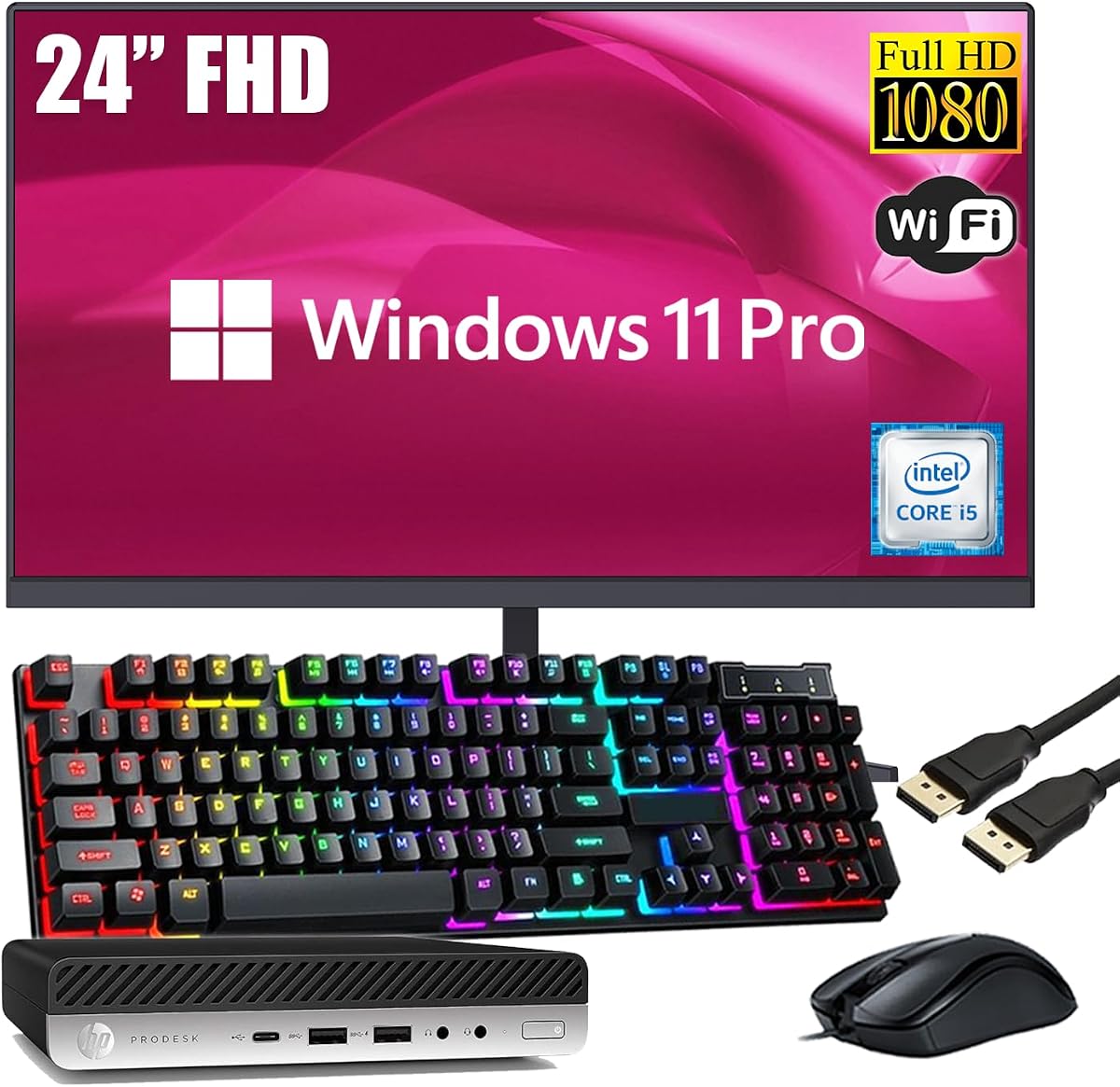
The HP ProDesk Mini saves desk space with a compact design. Despite its size, it delivers efficient performance for everyday homework tasks.
We may earn a commission when you buy through this link, at no additional cost to you.
A 256GB SSD ensures the system starts instantly. The 24-inch monitor adds a professional touch to any home study area.
USB-C connectivity offers future-proofing for modern accessories. It bridges the gap between legacy ports and newer devices.
Best for small apartments or shared desks. The low profile keeps the area tidy while providing reliable computing power.
Its mini footprint allows placement on shelves or under desks. This keeps the floor clear and the workspace organized.
USB-C support enables faster data transfer with compatible devices. It is great for connecting modern laptops or storage.
We may earn a commission when you buy through this link, at no additional cost to you.
This Lenovo model brings business-grade reliability to a home setup. The Intel N100 processor handles daily tasks efficiently with minimal noise.
We may earn a commission when you buy through this link, at no additional cost to you.
Sixteen gigabytes of RAM keeps the system responsive during heavy use. Wireless keyboard and mouse simplify desk management significantly.
The 24-inch IPS screen offers wide viewing angles for sharing content. Its anti-glare surface protects eyes during extended study periods.
Ideal for long-term use where reliability is key. The wireless accessories and stable OS make it a practical choice for learning.
The bundled wireless peripherals reduce cable clutter effectively. This creates a cleaner look on the desk.
Designed for business, it offers robust uptime and performance. It is less prone to crashes than budget consumer models.
We may earn a commission when you buy through this link, at no additional cost to you.
This Dell bundle offers the lowest entry price in the lineup. It is suitable for basic word processing and internet browsing tasks.
We may earn a commission when you buy through this link, at no additional cost to you.
The 19-inch monitor is compact but functional for simple tasks. DVD drive support helps with legacy media and older software.
Eight gigabytes of RAM provides enough speed for general use. It avoids heavy gaming but suits educational applications well.
Best for very tight budgets or supplementary devices. It gets the job done for essential computing needs at a low cost.
The price point makes it accessible for any family. It is an entry-level option for starting digital education.
The DVD drive allows reading physical media discs. This adds value if you have old educational software.
We may earn a commission when you buy through this link, at no additional cost to you.
The Lenovo IdeaCentre provides a sleek solution for home offices. Its Intel N100 processor handles web browsing and documents with ease.
We may earn a commission when you buy through this link, at no additional cost to you.
The 512GB SSD offers generous space for modern apps and files. This eliminates the need for external drives for most users.
The anti-glare IPS display ensures comfortable viewing from any angle. Built-in HD audio and webcam support remote learning sessions well.
Ideal for families prioritizing aesthetics and simplicity. It blends seamlessly into any room style while delivering dependable service.
Half a terabyte of SSD space is ample for school files. It keeps the system running smoothly with room to grow.
Integrated camera and microphone simplify video calls. Students can join classes without extra hardware.
We may earn a commission when you buy through this link, at no additional cost to you.
Selecting a desktop involves assessing hardware needs, screen quality, and budget constraints to ensure longevity and performance.
A fast processor ensures smooth navigation through educational apps and web browsers. Look for at least an Intel Core i5 or equivalent for reliable daily use.
Prioritize modern CPU generations to avoid bottlenecks as software updates.
RAM determines how many programs you can run simultaneously. Eight gigabytes is standard for basic tasks, while 16GB allows for heavier multitasking.
Choose 16GB if your child uses creative tools or multiple browser tabs.
SSDs provide faster boot and load times compared to traditional hard drives. This makes the system feel more responsive for daily school work.
Aim for at least a 512GB SSD for modern efficiency.
Larger monitors like 24 inches offer more space for research and writing. A Full HD resolution ensures text remains sharp and readable.
Select sizes based on available desk space in the room.
Windows 11 offers robust parental controls and security features. Ensure the device comes with a genuine license for safety and updates.
Choose 11 Pro for advanced management tools if needed.
Kids may handle devices roughly, so sturdy builds are essential. All-in-one PCs reduce cable clutter, lowering tripping risks in bedrooms.
Look for warranties or renewed programs for added peace of mind.
Modern ports like USB-C allow for versatile peripheral connections. WiFi 6 support ensures stable internet speeds during video classes.
Check that Bluetooth is available for wireless peripherals.
Set a realistic price range to avoid overspending on unused features. Renewed options often offer high-end specs at lower costs.
Compare total package costs including monitor and peripherals.
Place the desktop in a well-ventilated area to prevent overheating during long study sessions. Ensure enough space around the tower for air circulation.
Use a surge protector to shield the electronics from power fluctuations. This extends the lifespan of internal components like the motherboard.
Regularly clean dust from vents using compressed air. Also, wipe the monitor surface with a soft cloth to maintain image clarity.
Yes, renewed computers undergo strict testing to ensure functionality. They come with warranties similar to new items, making them reliable for student use.
Eight gigabytes is sufficient for browsing and writing assignments. For heavier video editing, you should aim for at least 16GB of RAM.
Most bundles listed include a monitor to offer a complete setup. Always check the product details to confirm if the display is included in the price.
All-in-One PCs integrate the computer components into the monitor. Standard desktops have a separate tower, which may offer easier future upgrades.
Windows 11 features an intuitive interface familiar to most users. Its tools for organization and learning are designed to be straightforward.
Enable automatic updates to keep the system secure. Regular patches fix vulnerabilities and improve overall stability for daily tasks.
We have reviewed ten top options ranging from budget bundles to premium All-in-One units. Each brings unique strengths like storage capacity or visual quality for different needs.
Prioritize SSD storage and modern connectivity for the best long-term experience. Ensure the machine matches the specific tasks your child will perform daily.
Prices fluctuate regularly so always check the current listing for the latest offers. Verify warranty terms before finalizing your purchase online.