
ProElife Ergonomics Grip Holder
4.5Editor score
High-quality silicone material
Anti-slip internal grooves
Adjustable sleeve position
This guide compares the top ten Apple Pencil grips for comfort and control, helping you find the perfect silicone sleeve or ergonomic holder for your stylus
Finding the right Apple Pencil grip can transform your writing and drawing experience significantly. Many users struggle with slippery surfaces or hand fatigue during long sessions. A well-designed accessory adds texture and ergonomic support to your stylus.
We evaluated ten leading options based on comfort, material quality, and compatibility. Our team analyzed user feedback, design features, and functional impact. This list covers silicone sleeves, ergonomic holders, and specialized grips for all models.
Each pick highlights key strengths and potential trade-offs for different needs. Prices fluctuate frequently, so verify current costs before purchasing. Use this guide to select a grip that enhances your productivity and comfort effectively.
4.5Editor score

4.3Editor score

4.6Editor score
This side-by-side comparison details the specifications and unique attributes of each selected grip. Reviewing these features helps you identify the best match for your specific Apple Pencil model and usage habits.




This product leads our list with a strong focus on ergonomic design and functional compatibility. Its 4.3 rating reflects consistent user satisfaction regarding comfort and build quality. The grip features silicone zones that maintain responsiveness while improving hold.
We may earn a commission when you buy through this link, at no additional cost to you.
The ergonomic shape is designed to reduce fatigue significantly. Users report better control during extended drawing or writing tasks. The angled sidewalls ensure it works seamlessly with most iPad cases, preventing interference during charging.
While it is priced higher than basic options, the durability and full feature retention justify the cost. Some users note that careful alignment is needed for optimal performance, but once installed, it stays secure.
Artists and students who use their Pencil daily will benefit most from this choice. It balances premium feel with practical engineering, making it a top recommendation for those seeking a reliable upgrade to their stylus experience.
The shaped design aligns with natural hand curvature to reduce strain over time.
Ultra-thin zones ensure features like double-tap and magnetic charging remain fully active.
We may earn a commission when you buy through this link, at no additional cost to you.
This holder stands out for its exceptional value proposition without sacrificing core ergonomic benefits. With a 4.5 rating, users appreciate the high-quality silicone and effective design. The bottom is shaped to match hand curvature for better support.
We may earn a commission when you buy through this link, at no additional cost to you.
Key strengths include the anti-slip internal grooves that keep the sleeve firmly in place. It relieves hand pain effectively during use. The adjustable sleeve allows you to move the grip to your most comfortable writing position.
The trade-off is a simpler aesthetic compared to premium brands. However, for those prioritizing function and budget, this is an excellent choice. It provides necessary texture and thickness without adding bulk or complexity.
Ideal for budget-conscious buyers who need reliable comfort, this option delivers solid performance. It is easy to install and fits a wide range of iPad models and Pencil generations. Consider this for everyday use.
Move the sleeve along the barrel to find the perfect position for your grip style.
Internal grooves prevent the sleeve from sliding off the stylus during active use.
We may earn a commission when you buy through this link, at no additional cost to you.
The NimbleGrip offers a top-tier user experience with premium materials and thoughtful engineering. Its 4.6 rating highlights user approval for comfort and durability. Crafted from high-quality silicone, it nestles comfortably in the hand for extended periods.
We may earn a commission when you buy through this link, at no additional cost to you.
Standout features include the dust-free coating which keeps the grip clean. You can choose between round or hexagonal exterior grips based on preference. The interior ribbed design ensures it stays firmly on your Pencil.
Removing it for wireless charging is a minor step for some models, but the quality compensates. The premium feel is distinct from cheaper silicone options. It is designed for users who prioritize tactile experience.
Best for professionals and artists needing daily comfort, this grip reduces aches significantly. It protects your Pencil while enhancing productivity. If you want a long-lasting, high-quality accessory, this is a strong investment.
Soft silicone provides a luxury feel while maintaining durability against daily wear.
Choose round for smooth rolling or hexagonal for a firm hold based on your style.
We may earn a commission when you buy through this link, at no additional cost to you.
This product features a unique split-back design that facilitates easier use with Gen 2 Pencils. With a 4.4 rating, users appreciate its balance of comfort and accessibility. It is suitable for Gen 1, Gen 2, and USB-C models.
We may earn a commission when you buy through this link, at no additional cost to you.
The split-back allows you to attach and remove the grip quickly when charging. Edges wrap around the iPad to offer a more secure fit than typical sleeves. It maintains full access to Pencil features.
The trade-off involves initial setup complexity if you use an iPad case. However, the enhanced security and comfort are worth the effort. It is designed for those who want robust support without losing functionality.
Ideal for users switching between charging and active use frequently, this grip simplifies the process. It offers reliable comfort for drawing and writing tasks. Consider this for its practical design approach.
The split allows you to twist and roll the grip onto the Pencil easily for setup.
Edges extend to grip the device surface preventing slipping during intensive use.
We may earn a commission when you buy through this link, at no additional cost to you.
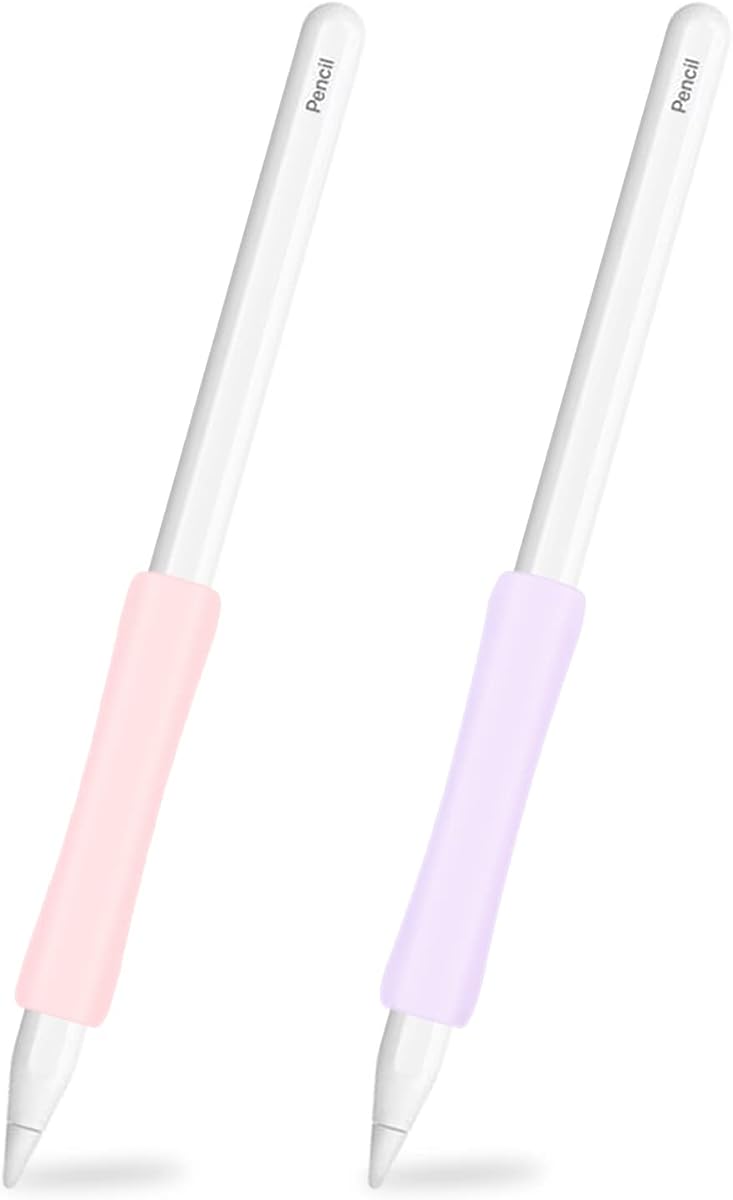
This value pack provides three grips in different colors to match your style. With a 4.4 rating, users note the thin profile and anti-sweat properties. It is compatible with 2nd Gen and USB-C Pencils primarily.
We may earn a commission when you buy through this link, at no additional cost to you.
The 0.35mm thickness ensures magnetic charging remains functional on most setups. The threaded design prevents slipping even with sweaty hands. It offers a practical solution for those who need multiple spare grips.
Installation requires ensuring no obstruction between the iPad and grip during charging. This simple check prevents most issues. The bulk buy approach offers good value for households or classrooms.
Best for users wanting variety and affordability, these grips cover different needs. The texture is effective for grip while staying out of the way. It is a solid choice for backup or sharing.
Ultra-thin construction keeps wireless charging compatible without sacrificing too much grip.
Choose from White, Pink, or Purple to match your iPad or personal style.
We may earn a commission when you buy through this link, at no additional cost to you.
elago brings its design expertise to this Pencil grip with a focus on fit and aesthetics. Its 4.5 rating reflects user satisfaction with comfort and durability. The ergonomic shape sits comfortably in the hand to reduce fatigue.
We may earn a commission when you buy through this link, at no additional cost to you.
Every aspect is designed in-house ensuring a perfect fit. Premium silicone prevents scratches on surfaces. It helps enhance grip while maintaining a sophisticated look that suits professional environments.
The trade-off is a slightly higher price compared to generic options. However, the build quality and design focus justify the cost. It serves as a great gift due to its polished presentation.
Best for users who care about product design and finish, this grip delivers quality. It offers reliable comfort for daily writing or drawing. Consider this if you value aesthetics alongside function.
Internal design standards ensure the grip matches the Pencil shape perfectly.
Silicone material prevents your stylus from scratching tables or devices when set down.
We may earn a commission when you buy through this link, at no additional cost to you.
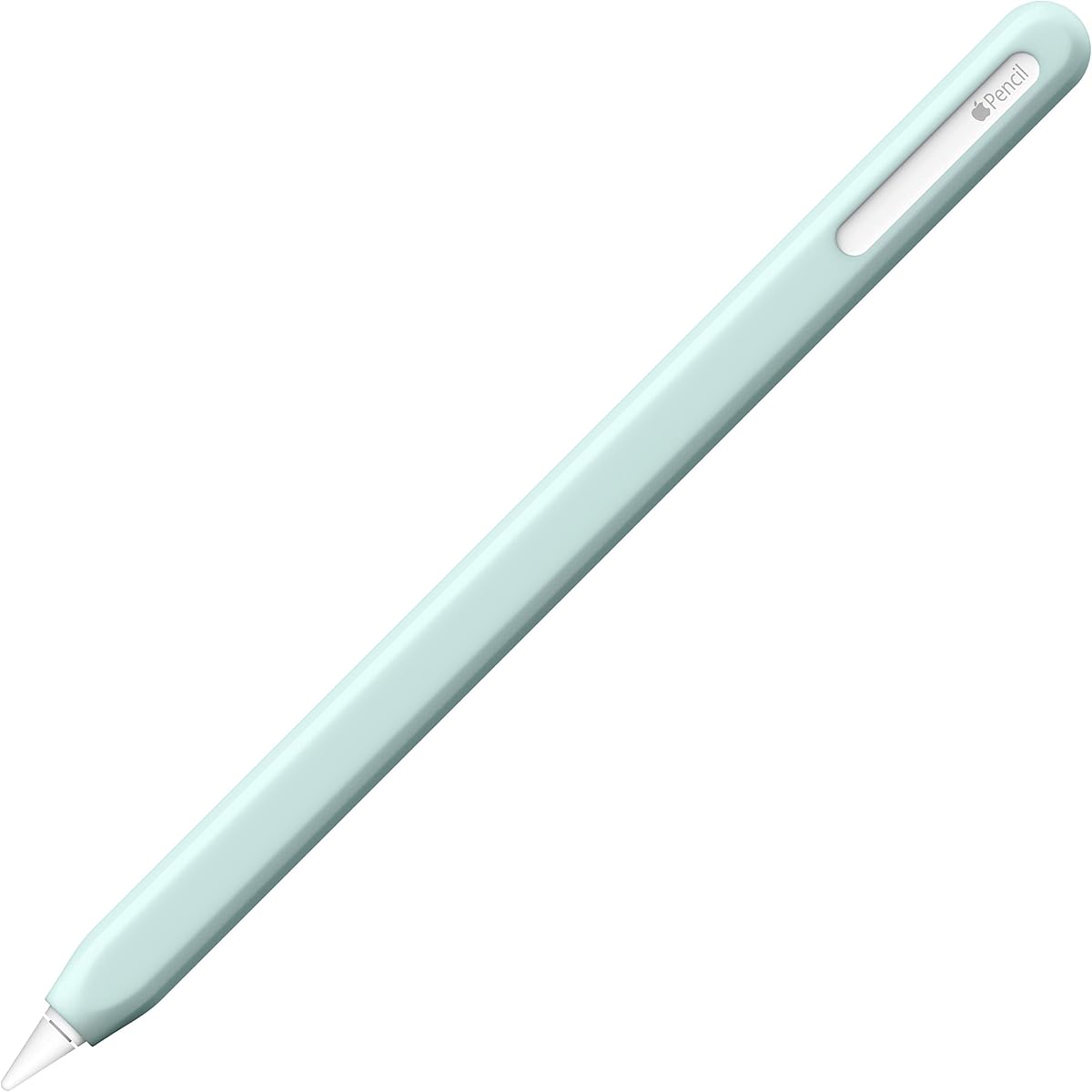
This sleeve offers full coverage protection with a stylish faceted aesthetic. A 4.3 rating shows users like the look and feel. It makes the Pencil easier to grip and control while protecting against dirt and dust.
We may earn a commission when you buy through this link, at no additional cost to you.
The faceted design ensures it does not roll when placed on a table. Dust-free coating maintains a clean appearance. It is made for Pro and 2nd Gen models with a slim profile.
Some third-party iPad cases require a cutout for charging to work. This is a standard limitation for full-coverage sleeves. Otherwise, it provides excellent protection without bulk.
Ideal for users worried about accidental drops or scratches, this sleeve is a strong choice. It combines style with functional protection. Consider this if you want a complete protective layer.
The geometric facets prevent the Pencil from rolling off flat surfaces.
Dust-free coating reduces lint accumulation keeping the sleeve looking new longer.
We may earn a commission when you buy through this link, at no additional cost to you.
This grip uses a patented design combining square and circle elements for comfort. A 4.2 rating indicates mixed but positive feedback. It supports magnetic charging with its ultra-thin cross-section alignment.
We may earn a commission when you buy through this link, at no additional cost to you.
The square and circle design offers different holding positions for professional long-term use. It prevents rolling and falling effectively. The package includes a mini buckle storage box for travel convenience.
Precise alignment is required for charging to work. This may require some adjustment during setup. However, the included storage box adds value for portability and protection.
Best for users seeking a unique shape and storage solution, this grip is a solid option. It balances cost with practical features. Consider this for its travel-friendly design elements.
The unique shape offers different comfortable grip points for varied writing styles.
Mini buckle storage box keeps your grips safe and organized when traveling.
We may earn a commission when you buy through this link, at no additional cost to you.
This 2-pack offers ergonomic grips for multiple users or backup needs. With a 4.4 rating, users appreciate the concave design and easy installation. It fits a wide range of iPad models and Pencil generations.
We may earn a commission when you buy through this link, at no additional cost to you.
The concave middle aligns with hand curvature to relieve pain. Stretchy material ensures a firm hold without slipping. You can move the sleeve to adjust positioning as needed.
Basic packaging might not be premium, but the value is clear. Two units provide options for different colors or locations. It is a practical choice for households.
Best for shared iPads or needing spares, this kit delivers reliable comfort. It is affordable and effective for daily use. Consider this for budget-friendly multi-unit needs.
The middle concave shape reduces hand pressure during extended writing sessions.
Move the sleeve along the barrel to customize your preferred holding position.
We may earn a commission when you buy through this link, at no additional cost to you.
These grips are tailored for newer Pro and 2nd Gen Pencils. A 4.3 rating reflects satisfaction with the thin sleeve skin and ergonomic design. It does not interfere with magnetic charging for compatible models.
We may earn a commission when you buy through this link, at no additional cost to you.
The concave middle provides maximum grip and pain relief. High-quality silicone ensures smooth installation. It protects the body from dust and dirt effectively.
Not supporting the 1st Gen is a key limitation. Ensure your Pencil model is compatible before purchasing. Otherwise, it offers solid protection for modern devices.
Best for Pro and 2nd Gen users seeking budget-friendly protection, this pack is effective. It delivers ergonomic benefits without bulk. Consider this for newer Pencil models.
Designed specifically for Pro and 2nd Gen Pencils to ensure optimal fit.
Ultra thin sleeve ensures wireless charging works without needing removal.
We may earn a commission when you buy through this link, at no additional cost to you.
Choosing the right grip involves understanding your specific needs regarding comfort, model compatibility, and design.
Ensure the grip matches your Pencil version. Most support 1st and 2nd Gen but check USB-C or Pro specifics.
Always verify model support before purchasing to avoid fit issues.
Silicone is common for its soft feel and durability. Look for anti-slip or dust-free coatings for better maintenance.
Select materials that feel comfortable and do not attract lint excessively.
Curved or concave shapes reduce fatigue by supporting natural hand positions. This is crucial for long drawing sessions.
Prioritize ergonomic contours to prevent strain over time.
Some grips cover wireless charging areas. Check if they have cutouts or thin sections for charging without removal.
Ensure the grip does not block charging features on your model.
A good grip should not slide during use. Internal grooves or ribbed interiors help secure it to the barrel.
Look for features that keep the grip firmly in place.
Some brands offer multiple colors or patterns to match your device. Choose designs that appeal to your personal style.
Consider color options if you want a coordinated look.
Multi-packs offer better value for households or spares. Single units may be enough for personal use.
Buy packs if you need backups or want variety.
Prices vary from budget to premium. Weigh material quality against cost to find the best option for your budget.
Balance cost with durability and comfort features.
Install the grip by sliding it onto the pencil barrel smoothly. Ensure it sits firmly without twisting to prevent slipping during use.
Check charging compatibility regularly. If wireless charging fails, ensure the grip's thin section aligns with the charging point.
Clean silicone grips gently with a damp cloth to remove dust or sweat. Avoid harsh chemicals that might degrade the material.
Most grips are designed to allow charging, but some may require thin sections. Verify the product details to ensure it does not block wireless charging for your model.
Yes, ergonomic grips reduce fatigue by providing texture and support. They help prevent slipping and strain during extended use on iPad devices.
Many grips work with cases, but some may interfere with attachment points. Choose designs with sidewalls or thin profiles for better compatibility.
Yes, silicone sleeves provide protection against scratches and drops. They add a layer of durability while improving the overall grip feel.
Silicone grips are generally reusable and removable. However, they may wear over time with daily use, so replacement might be needed eventually.
Clean with a mild soap solution and soft cloth. Avoid abrasive cleaners to prevent damaging the silicone or its coating.
The top picks offer strong ergonomic and functional benefits. Whether you want budget-friendly or premium options, there is a fit for your needs.
Prioritize comfort and charging compatibility when selecting a grip. Your daily usage will determine which design offers the best long-term value.
Remember to check current prices and compatibility before buying. Products may change, so verify details to ensure the best choice.