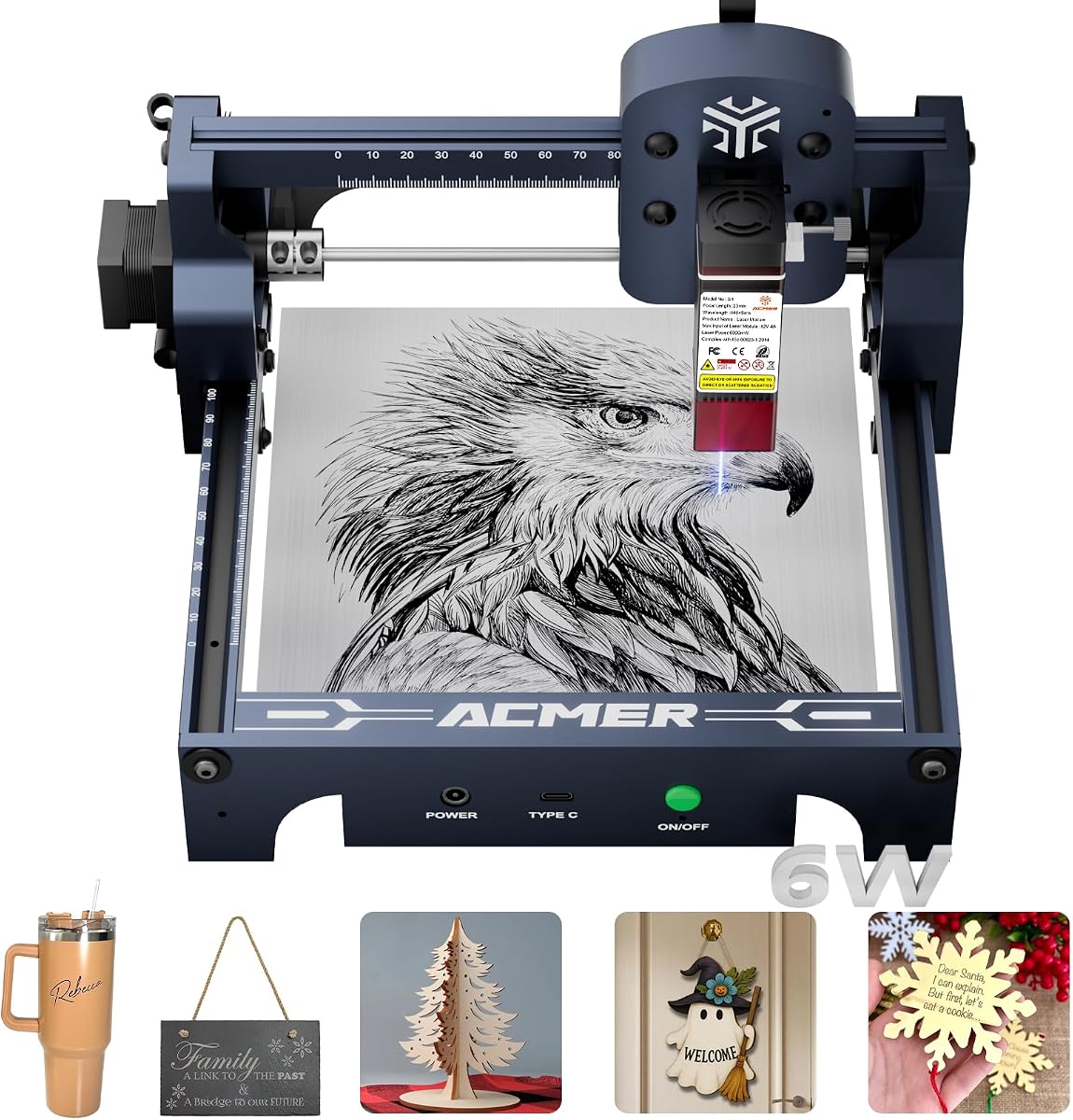
ACMER S1 Laser Engraver Machine
4.3Editor score
99 Percent Preassembled
6000mW Laser Power
130x130mm Working Area
This guide compares the top Acmer laser engraver models to help you find the best machine for your budget and precision needs.
Choosing the right laser engraver can transform your creative projects into professional quality outputs. Whether you are a hobbyist or a small business owner, finding a reliable machine that balances power and precision is essential for success.
We have analyzed ten top Acmer laser engraver models based on power output, precision accuracy, software compatibility, and user safety features. This list covers options ranging from compact desktop units to robust industrial-grade systems for diverse needs.
Each pick below highlights key specifications and real-world capabilities to help you make an informed decision. Please note that pricing and availability can change frequently so verify details before purchasing your next engraving machine.
4.3Editor score

4.4Editor score

5.0Editor score
The following table provides a side by side comparison of all ten Acmer laser engraver models featured in this guide. Review key specifications including power output, working area, and unique features to identify the best fit for your specific workflow requirements.



The ACMER S2 Laser Engraver stands out as a top choice for users seeking a versatile machine that balances high power with fine precision. It holds a strong rating and is designed to handle a wide variety of materials efficiently.
We may earn a commission when you buy through this link, at no additional cost to you.
Equipped with a true 12W laser module and 72W total system power, this model cuts through 15mm paulownia wood and 12mm black acrylic with ease. The 0.08 x 0.08mm laser spot ensures intricate details are reproduced cleanly on over 100 materials.
While the machine requires assembly and may benefit from additional air assist for deep cuts, its safety features like motion protection and anti UV shields make it suitable for home workshops. The compatibility with LightBurn and LaserGRBL adds significant flexibility for advanced users.
This model is ideal for small business owners and serious hobbyists who need reliability and speed without sacrificing detail. Its expandable design allows you to add rotary modules as your projects grow in complexity over time.
ACMER Studio software simplifies project preparation with tools for editing and material settings, streamlining the workflow from design to execution.
Optional accessories like rotary modules and risers let you tackle cylindrical objects or taller workpieces, extending the machine utility beyond flat surfaces.
We may earn a commission when you buy through this link, at no additional cost to you.
The ACMER S1 Laser Engraver Machine offers an excellent entry point for beginners who want to start engraving without complex setup or high costs. It is highly rated for its ease of use and preassembled design.
We may earn a commission when you buy through this link, at no additional cost to you.
Featuring a 6000mW diode laser and 48W output, it handles wood, leather, and acrylic well for small projects. The 130x130mm workspace is ideal for personalized gifts and crafts, while the AI tools in ACMER Studio simplify design creation from text prompts.
Though the workspace limits larger production runs and the power is less than higher models, it is lightweight and durable enough for home use. The 99% preassembled structure means you can start creating within minutes of unboxing the unit.
This unit is perfect for hobbyists or educators needing a reliable tool for small scale projects. Its portability and compatibility with Windows or macOS make it a flexible choice for shared workspaces or classrooms.
With only one minute of laser head installation required, users can bypass tedious assembly and begin engraving almost immediately after receiving the package.
Built in AI tools turn text prompts into engraving designs, removing the barrier of needing advanced graphic design skills to start creative projects.
We may earn a commission when you buy through this link, at no additional cost to you.
The ACMER P3 Laser Engraver represents the pinnacle of performance with switchable power outputs and an enclosed safety design. It holds a perfect rating for users demanding industrial level precision and versatility in one unit.
We may earn a commission when you buy through this link, at no additional cost to you.
Delivering up to 48W laser output with CoreXY structure, it ensures high speed precision without vibration. The closed box design reduces smoke and noise by 90%, while the built in camera module allows for seamless material positioning and alignment.
While the initial cost is higher, the durability and safety features like fire detection and tilt protection justify the investment for professional use. The 30L air pump and waste drawer keep the environment clean and the cutting quality consistent across batches.
This machine is best suited for small businesses or professionals who need reliability and safety compliance. Its compatibility with mobile apps and offline support ensures flexibility in diverse production environments.
Automatic fire detection and over temperature protection provide peace of mind during long production runs, ensuring a safe working environment for all users.
The CoreXY structure combined with motion compensation algorithms prevents frame loss during high speed motion, maintaining detail integrity even at 800mm per second.
We may earn a commission when you buy through this link, at no additional cost to you.
This variant of the ACMER S2 emphasizes AI design tools that streamline the workflow from text prompts to final engraving designs. It shares the same robust power and precision specs as the standard S2 but adds smart features for creators.
We may earn a commission when you buy through this link, at no additional cost to you.
With a 32 bit chip enabling speeds up to 10,000mm per minute, it accelerates production for batch projects. The 300x300mm workspace provides ample room for layered art or multi piece layouts without constant repositioning of materials.
The AI tools may require some learning but they significantly reduce setup time for simple projects. While it requires a PC for full functionality, the benefits of fast engraving and accurate cuts make it a strong contender for makers focused on efficiency.
Ideal for users who want to leverage technology to simplify design creation, this model balances high performance with user friendly tools. It is a solid choice for those ready to scale up their DIY or business projects with speed.
Turn photos or text prompts directly into engraving designs using built in AI tools, reducing the need for external graphic software.
The advanced 32 bit chip enables rapid engraving speeds, allowing you to complete multiple projects faster compared to standard entry level models.
We may earn a commission when you buy through this link, at no additional cost to you.
The ACMER S2 with 7000mW output is a solid mid range option that balances affordability with performance. It holds a perfect rating and is designed for those who need reliable cutting without the highest power price tag.
We may earn a commission when you buy through this link, at no additional cost to you.
Capable of cutting up to 13mm paulownia wood and 6mm black acrylic with multiple passes, it handles most common DIY materials well. The 300x300mm workspace allows for larger signs or decorations without needing multiple setups.
Safety features like the anti UV protective shield and motion detection auto pause make it safe for home classrooms. While it lacks built in air assist, the included goggles and shield ensure safe operation during regular engraving tasks.
This model is perfect for small business owners who need consistent results on standard materials. Its compatibility with Windows, macOS, and Linux ensures it fits seamlessly into diverse technical environments and workflows.
The anti UV protective shield and motion detection auto pause reduce accidental exposure, making it safer for students and casual users.
With power to engrave over 100 materials and cut wood up to 13mm, this unit handles a wide variety of common crafting and business materials.
We may earn a commission when you buy through this link, at no additional cost to you.
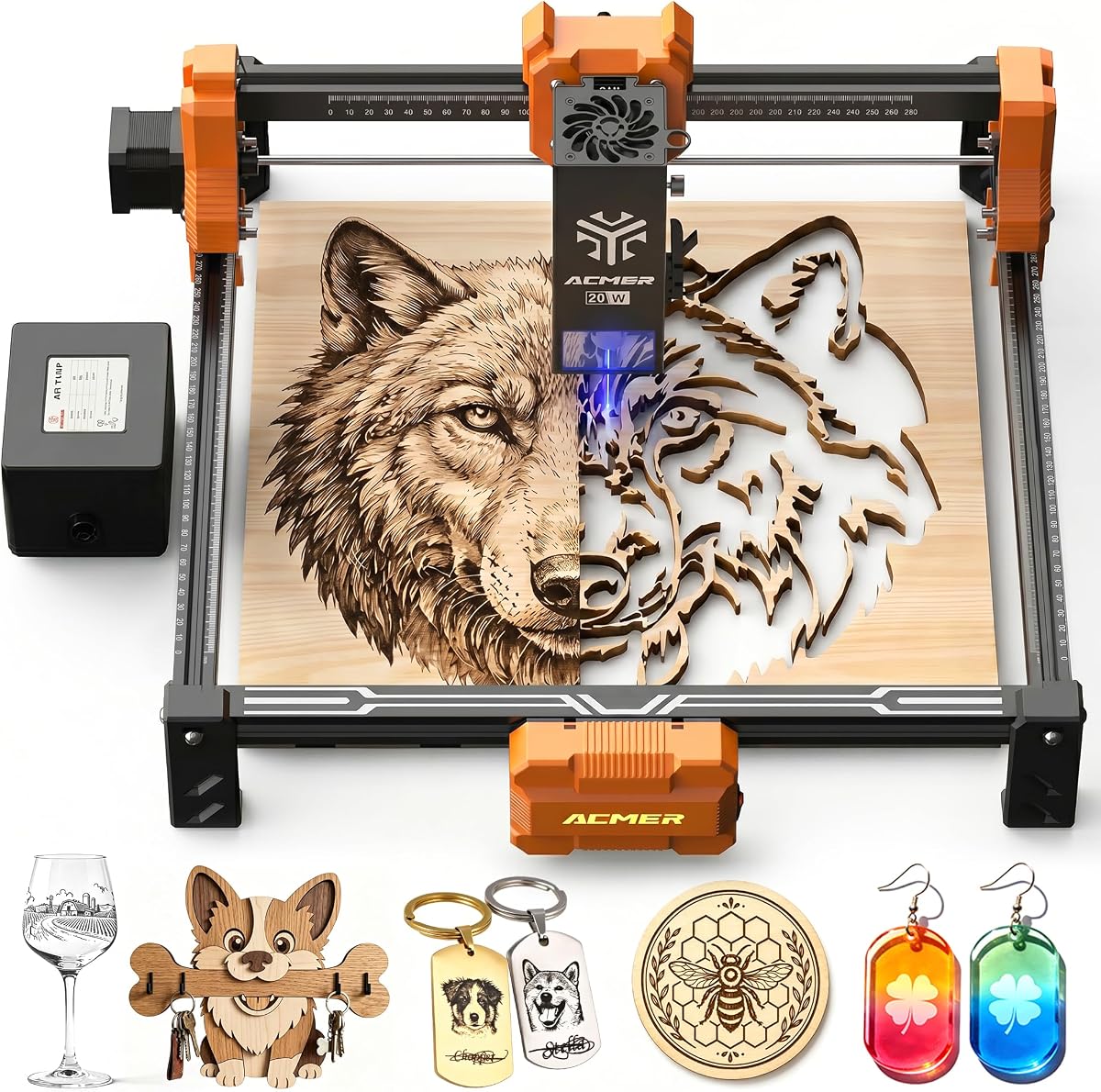
The ACMER P1 S Pro 20W delivers robust cutting power with a true 20W diode laser module. It is highly rated for its ability to handle thick materials and maintain clean edges thanks to its built in air assist system.
We may earn a commission when you buy through this link, at no additional cost to you.
The 25L air assist pump minimizes burn marks and smoke residue, protecting the lens and improving surface quality. With acceleration up to 500mm per second squared, it ensures stable operation even during fast engraving runs.
While the machine is larger than entry level options, the investment pays off in cut quality and speed. The 0.01mm accuracy ensures intricate designs are sharp, making it suitable for detailed logos or complex artwork.
This model is ideal for professionals or serious hobbyists who need professional grade results on wood or acrylic. The included safety features and software compatibility make it a complete solution for dedicated users.
The built in air assist pump blows away debris and smoke, resulting in cleaner edges and protecting the lens from residue buildup over time.
With acceleration up to 500mm per second squared, the machine responds quickly to speed changes, maintaining stability even during high speed engraving.
We may earn a commission when you buy through this link, at no additional cost to you.
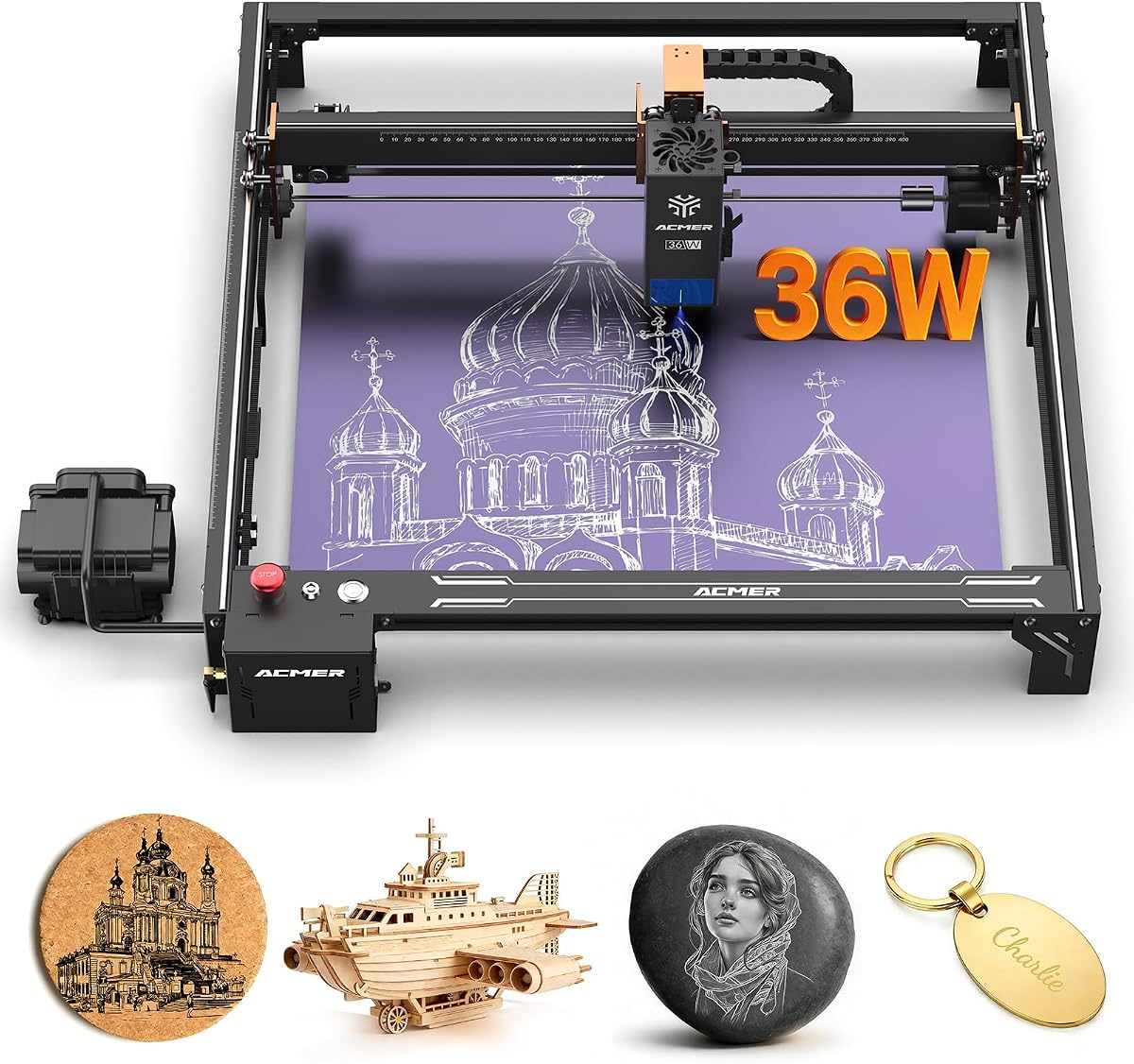
The Acmer S2 Pro 36W is designed for users needing industrial level stability and high power for production runs. It features a 36,000mW laser module and a large 400x400mm workspace for substantial project sizes.
We may earn a commission when you buy through this link, at no additional cost to you.
Dual linear rails ensure smooth movement with minimal vibration, essential for precise engraving over long periods. The 30L air pump clears smoke and debris automatically, improving edge quality and protecting the lens during heavy use.
Connectivity options like WiFi and TF card allow for offline engraving and wireless control, which is great for workshop efficiency. However, the machine requires a stable surface and more setup time compared to simpler models.
This unit is best suited for small businesses or professionals handling large batches. The advanced safety features and robust build quality make it a reliable tool for demanding daily operations.
The dual linear rail system provides better stability than single rail designs, reducing misalignment during long production runs or high speed cuts.
Support for WiFi and TF card enables offline engraving and wireless control, allowing for flexible operation without constant computer connection.
We may earn a commission when you buy through this link, at no additional cost to you.
The Acmer S2 20W offers a high power 20W laser in a compact frame suitable for most home workshop needs. It maintains a perfect rating and includes essential features like air assist and limit switches for safe operation.
We may earn a commission when you buy through this link, at no additional cost to you.
With a compressed laser spot of 0.09 x 0.1mm, it delivers sharp details and smooth gradients for photo engraving and logos. The 25L air assist reduces burn marks, making it a strong choice for clear cuts on wood and acrylic.
While it is smaller than the S2 Pro, the workspace is sufficient for most standard signs and crafts. The limit switches prevent the laser head from over-traveling, adding a layer of protection to the machine frame during use.
This model is ideal for users who want high power without the bulk of industrial machines. Its simple setup and reliable performance make it a top contender for hobbyists and light business use.
The compressed 0.09 x 0.1mm spot allows for smooth gradients and sharp lines, perfect for photo engraving or detailed logo reproduction.
Built in limit switches prevent the laser head from over-traveling, protecting the machine frame and reducing risk during operation.
We may earn a commission when you buy through this link, at no additional cost to you.
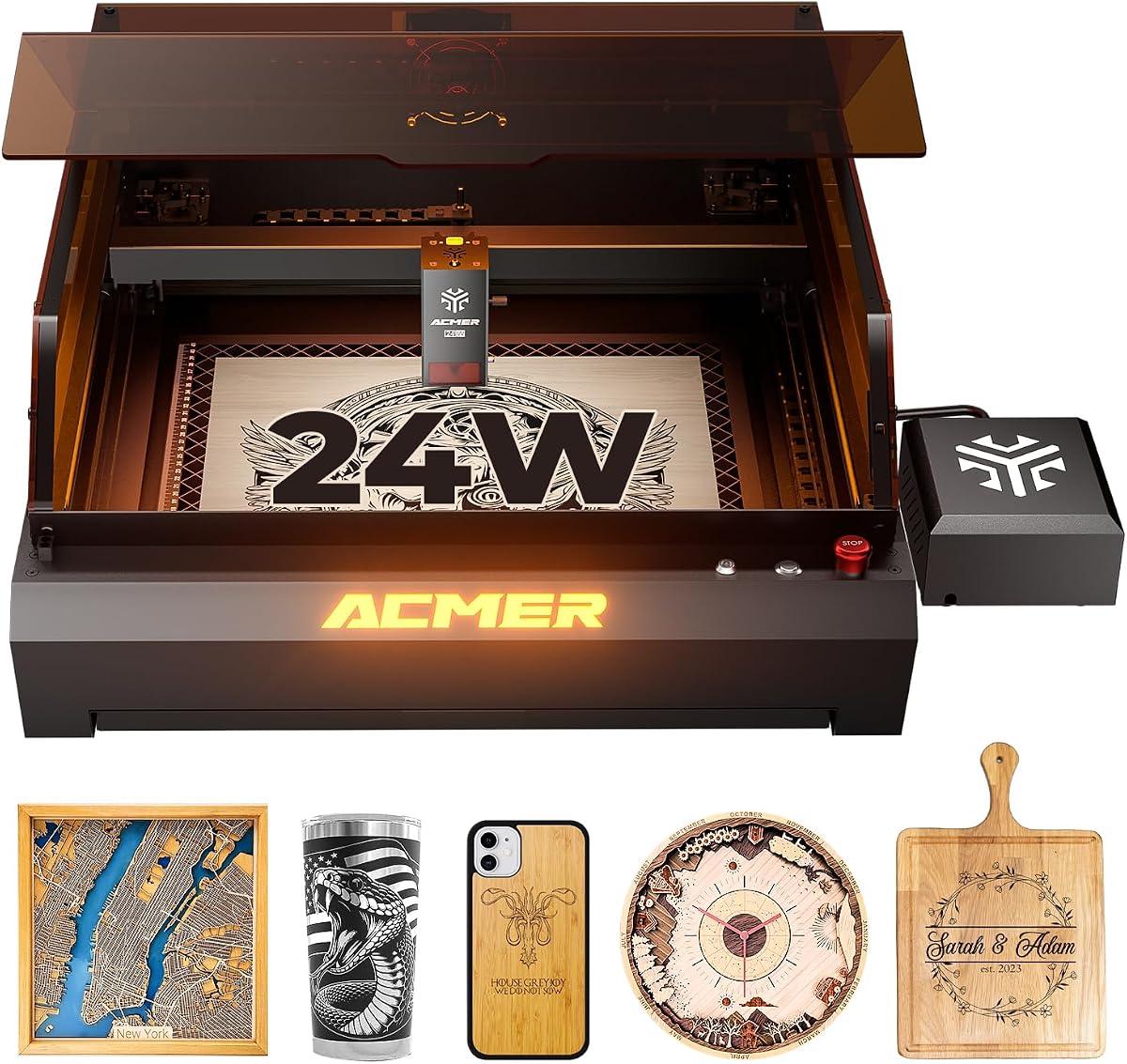
The ACMER P3 24W combines high power with a closed box design that prioritizes safety and air quality. It is a Class 1 Laser device, making it safer for environments where open lasers are a concern.
We may earn a commission when you buy through this link, at no additional cost to you.
The integrated housing reduces smoke and noise by 90%, while the motion compensation algorithm prevents blur during high speed movement. With a 400x400mm workspace and a built in camera, positioning is precise and easy.
The aviation grade frame and industrial guides provide stability even at high speeds. While the investment is higher, the safety features and durability make it suitable for classrooms or offices where compliance is important.
This model is perfect for users who need professional quality without compromising on safety protocols. Its compatibility with mobile apps allows for flexible workflow integration in modern production spaces.
Class 1 Laser classification and closed box design ensure safer operation, reducing smoke exposure and making it suitable for shared or indoor environments.
The motion compensation algorithm solves blurring issues during high speed movement, ensuring detailed images remain clear even at 48000mm per second.
We may earn a commission when you buy through this link, at no additional cost to you.
The ACMER P1 S Pro 6W offers a uniquely large workspace for a low power machine, ideal for wide area engraving. It maintains a perfect rating and includes WiFi control for flexible operation in modern setups.
We may earn a commission when you buy through this link, at no additional cost to you.
With a 0.06mm spot size, it achieves high precision for fine details despite the lower power. The modular frame design simplifies maintenance, while the 380x370mm workspace allows for large scale designs without needing a larger machine.
While it may require multiple passes for cutting thick materials, the precision and ease of use are notable. The included protective glasses ensure safe operation and the WiFi connectivity adds convenience for remote workflow management.
This model is best for users needing a wide area for projects like signs or panels. Its combination of precision, connectivity, and safety features makes it a versatile tool for DIY and business users.
The 380x370mm workspace provides ample room for large scale designs, allowing you to work on signs or panels without multiple setups.
The modular frame design makes installation and maintenance quick and hassle-free, ensuring long term reliability and easier repairs.
We may earn a commission when you buy through this link, at no additional cost to you.
Selecting the right laser engraver involves balancing power, workspace, and safety features to meet your project needs. This guide outlines key factors to consider when evaluating models.
Power determines how quickly and deeply the machine cuts through materials. Higher wattage models like 20W or 36W are better for thick wood and acrylic, while 6W or 7W units suit light engraving on small projects.
Choose a wattage that matches your typical material thickness to avoid slow cuts or repeated passes.
The workspace size dictates the maximum project dimensions you can engrave without repositioning. Models range from 130x130mm for small crafts to 400x400mm for large signs or panels.
Select a size that fits your most common project requirements to save time and effort.
Precision depends on the laser spot size and positioning accuracy. Finer spots like 0.06mm produce sharper details for photos or text, while larger spots may sacrifice detail for speed.
Look for 0.01mm positioning accuracy for professional quality results in detailed designs.
Software affects workflow efficiency. Models compatible with LightBurn and LaserGRBL offer advanced controls, while those with ACMER Studio simplify setup for beginners.
Ensure the software supports your preferred operating system and file formats for ease of use.
Safety features like enclosed designs, anti UV shields, and motion protection are vital for home use. Class 1 safety models reduce exposure risks significantly.
Prioritize units with safety goggles and auto pause functions to protect yourself during operation.
Air assist helps clear smoke and debris from the cut path, improving edge quality and lens life. Some models include pumps built in, while others may require external additions.
Choose models with built in air assist for cleaner cuts on sensitive materials like wood or acrylic.
Stability is crucial for consistent results over time. Dual linear rails or aviation grade aluminum frames reduce vibration and misalignment during long runs.
Check for robust construction features to ensure durability for daily or professional use.
Connectivity options like WiFi, USB, and TF card allow flexible control and offline operation. Modern units often support mobile apps for remote workflow management.
Select connectivity options that fit your workshop setup for convenience and speed.
Begin by setting up the machine on a stable, flat surface and ensure proper ventilation to remove smoke safely. Calibrate the laser focus according to the manual before starting any engraving projects to ensure clean results.
Use safety goggles and protective shielding when operating the unit. Always keep the air assist system clean and check lenses regularly for residue to maintain consistent cut quality and lens lifespan.
After each use, power down the machine correctly and store it in a dry place. Perform routine maintenance like clearing debris from the honeycomb plate and updating software to keep performance optimal over time.
The ACMER S2 can engrave over 100 materials including wood, leather, acrylic, coated metal, and paper. It is capable of cutting up to 15mm paulownia wood and 12mm black acrylic with multiple passes.
Yes, the ACMER S1 is designed to be beginner-friendly with 99% preassembled structure and simple 1-minute installation. It comes with software that simplifies design creation from text prompts.
Most ACMER models including S2, P1 S Pro, and P3 support LightBurn and LaserGRBL. This allows for advanced design control and compatibility with professional engraving workflows.
Air assist uses a pump to blow air at the cutting point to clear smoke and debris. This helps reduce burn marks, improves edge quality, and protects the lens from residue.
Yes, models like the S2 include anti UV shields and motion detection auto-pause for safety. The P3 models feature closed box designs rated Class 1 for enhanced safety.
The largest workspace available in these models is 400x400mm on the S2 Pro and P3 models. This allows for larger signs or multiple pieces without repositioning.
Some models can operate via WiFi or TF card for offline use, but most benefit from PC software for full design control. Check specific connectivity features before purchasing.
Most ACMER machines come with a 12-month warranty and 24/7 customer support. Check specific product listings for warranty details and regional support terms.
This guide highlights ten top Acmer laser engraver models ranging from entry level to premium performance. The S2 offers the best balance of power and workspace while the P3 provides advanced safety for professional use.
Prioritize laser wattage and workspace size based on your typical projects. If you need speed and precision for thick materials, consider models with 20W or more and air assist for cleaner cuts.
Remember to check current prices and availability as they change frequently. Verify compatibility with your preferred software and safety features before making your final decision.