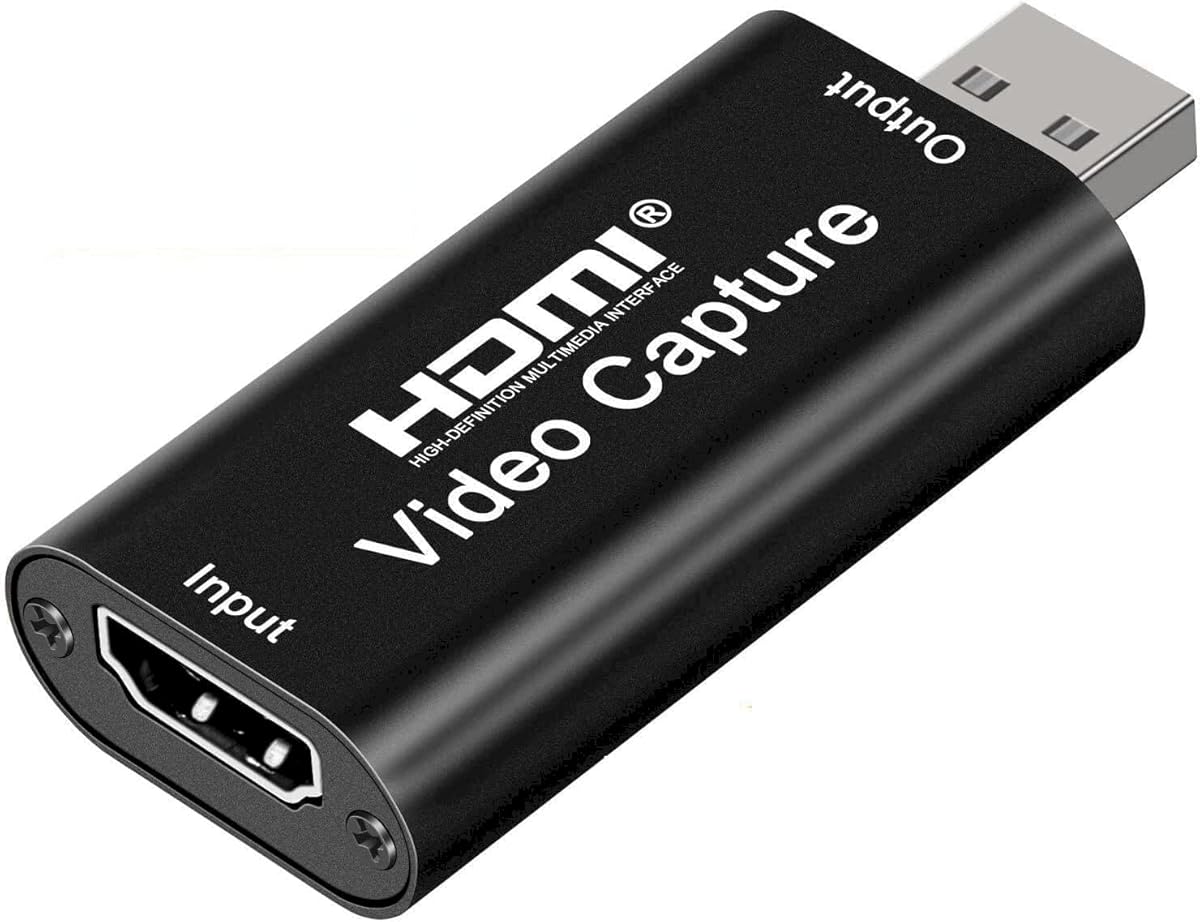
Audio Express AXHDCAP 4K HDMI Video Capture Card
4.4Editor score
4K HDMI input support
Plug and play design
Wide OS compatibility
This guide compares the top capture cards for YouTube creators to help you choose the right device for streaming, recording gameplay, and professional video
Choosing the right capture card for YouTube is essential for creators who want to share high-quality gameplay or camera feeds. A good device ensures smooth video at sixty frames per second without lag or dropped frames during live broadcasts.
We evaluated ten leading capture cards based on resolution support, latency, compatibility with consoles and cameras, and ease of use. Our analysis focuses on how each model performs with popular software like OBS and Streamlabs for reliable content creation.
Each pick highlights key strengths for different needs ranging from budget-friendly options to premium models with advanced features. Keep in mind that availability and features may vary so check current listings before purchasing your next recording device.
4.4Editor score

4.5Editor score

4.2Editor score
This side-by-side comparison reviews ten popular capture cards designed for YouTube streaming and recording. Each entry includes key specifications to help you identify the model that best fits your hardware and content goals.





This capture card is a solid choice for creators seeking reliable 1080P 60FPS recording without complex setup. It supports HDMI input from consoles and cameras with a loop-out feature for real-time monitoring.
We may earn a commission when you buy through this link, at no additional cost to you.
Its plug and play design allows quick integration with OBS or Streamlabs on Windows or Mac. The built-in microphone input enables direct commentary capture which simplifies live streaming workflows.
While it does not support 4K120Hz input, it handles 4K30Hz signals well for standard recording needs. The loop-out ensures gameplay remains responsive during capture with minimal lag for viewers.
Anyone looking for a versatile budget-friendly card for console streaming or camera feeds should consider this model. It offers essential features without unnecessary complexity making it ideal for new creators.
The HDMI loop-out ensures you can view your gameplay directly on a monitor without delay while the card captures video for streaming.
A dedicated microphone input allows you to add commentary directly to the stream without needing extra audio interfaces or mixers.
We may earn a commission when you buy through this link, at no additional cost to you.
The Elgato 4K X delivers next-gen capture with 4K144Hz support for crystal-clear visuals during high-speed gameplay. It connects via HDMI 2.1 to handle demanding content from latest consoles.
We may earn a commission when you buy through this link, at no additional cost to you.
Its variable refresh rate passthrough ensures smooth gaming without screen tearing while recording. The ultra-low latency powered by USB 3.2 Gen 2 keeps broadcast synchronized with gameplay for responsive streaming.
This model works seamlessly with OBS and Twitch Studio for flexible broadcasting across platforms. However it demands a capable computer to process 4K streams efficiently without performance drops.
Gamers and pros seeking top-tier visual fidelity and frame rate support will find this card unmatched. It justifies the cost with features that future-proof your YouTube production setup.
VRR ensures your monitor displays smooth gameplay without tearing while the card captures frames for your viewers simultaneously.
HDMI 2.1 in and out support enables high frame rates up to 240fps for glorious 1080p recording on modern consoles.
We may earn a commission when you buy through this link, at no additional cost to you.
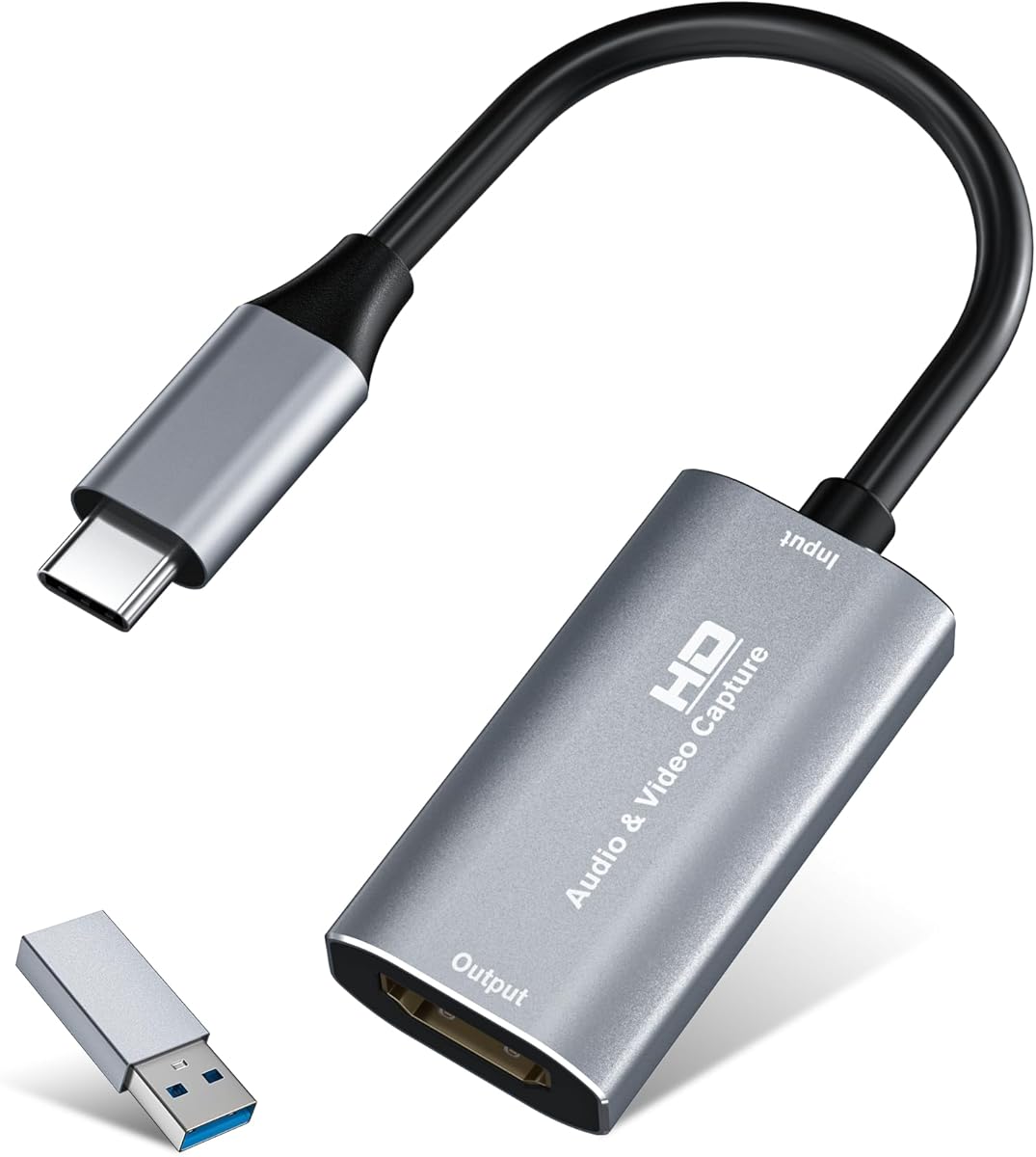
Guermok offers an affordable capture card with 4K30Hz input and 1080P 60FPS output suitable for most YouTube creators. Its aluminum alloy shell aids heat dissipation during extended recording sessions.
We may earn a commission when you buy through this link, at no additional cost to you.
The USB-C interface and included adapter ensure broad connectivity for laptops and modern PCs. Plug and play functionality allows quick setup with OBS or VLC without driver installations.
While it supports one-way transmission from HDMI to USB-C it avoids signal loss issues with proper connections. Restarting OBS after audio setup ensures sound output functions correctly during streams.
Creators needing a portable budget-friendly device for console or camera recording will appreciate its design. It delivers reliable performance for live gaming and meetings at an accessible cost.
Its small and lightweight form fits easily in a bag for outdoor streaming or travel recording emergencies.
The aluminum alloy shell ensures stable heat dissipation during long live gaming or video recording sessions.
We may earn a commission when you buy through this link, at no additional cost to you.
This capture card supports 4K30Hz input and 1080P 60FPS recording ideal for gamers needing crisp smooth video. Its compact design makes it easy to carry for outdoor live shows.
We may earn a commission when you buy through this link, at no additional cost to you.
Built with a premium aluminum alloy shell it ensures stable heat dissipation during extended use. The plug and play interface connects via USB 3.0 or Type-C to Windows or macOS.
It works seamlessly with most popular software including OBS and Twitch Studio for reliable streaming. Note that tablet OTG must be enabled and HDMI devices should be tested with a monitor first.
Content creators traveling often or switching setups will benefit from its lightweight portability. It offers solid performance for YouTube recording at a reasonable price point.
Lightweight and compact design makes it easy to carry for outdoor streaming, live shows, or mobile recording setups.
Works seamlessly with PS4, PS5, Xbox, Switch, DSLR cameras, and TV boxes for streaming to YouTube and Twitch.
We may earn a commission when you buy through this link, at no additional cost to you.
This card is engineered for creators demanding crisp 1080P 60FPS video quality for YouTube and Twitch. It supports seamless passthrough so you can play without lag while capturing.
We may earn a commission when you buy through this link, at no additional cost to you.
Plug and play USB connectivity allows instant setup with popular software like OBS or Streamlabs. The compact portable design lets you throw it in your bag for events or LAN parties.
Low-latency performance minimizes delay between gameplay and broadcast which is vital for competitive streaming. It works well for consoles and cameras ensuring professional detailed footage.
Traveling creators who need reliable performance without heavy gear will find this a strong choice. It balances quality and portability for engaging content on the go.
Minimizes delay between gameplay and broadcast for reliable low-latency capture that works well for competitive gaming.
Lightweight and portable design works well for creators who travel or switch gaming setups often.
We may earn a commission when you buy through this link, at no additional cost to you.
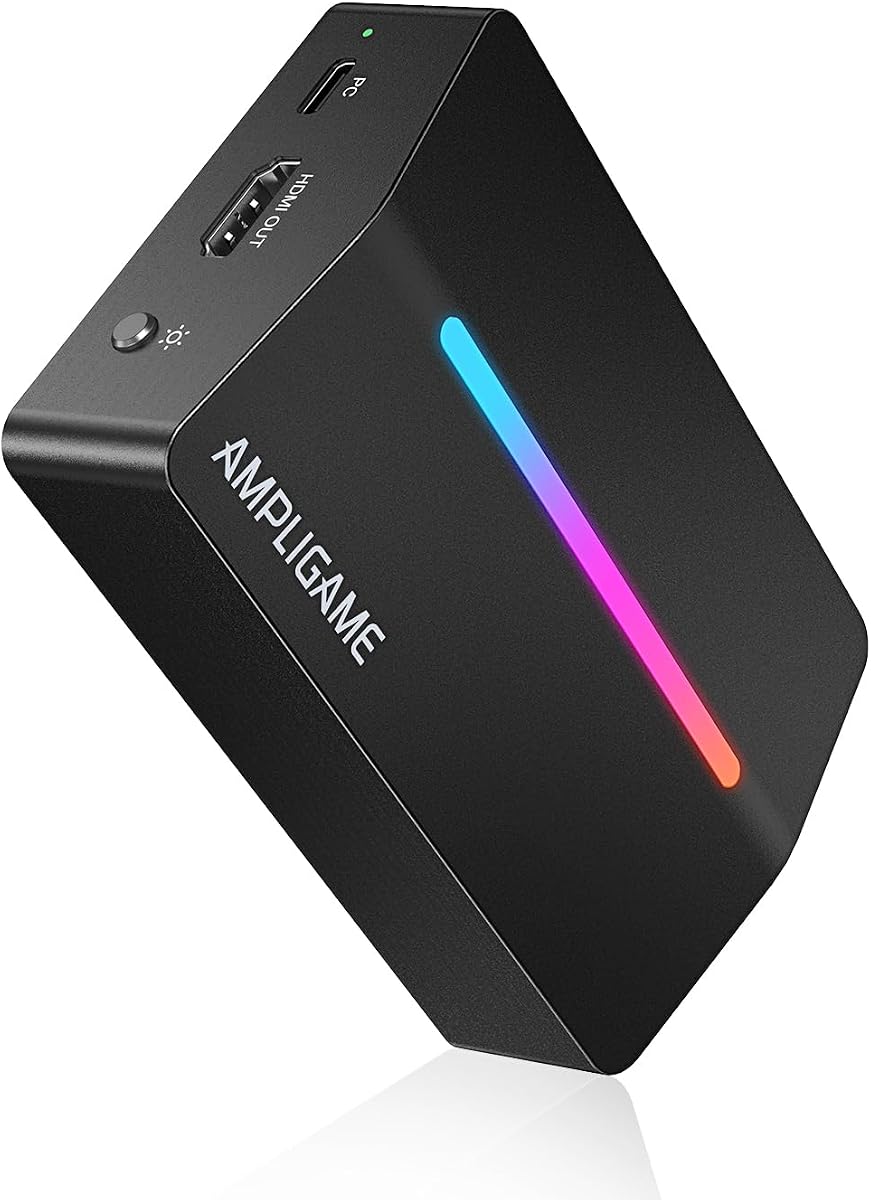
Fifine delivers smooth footage at 1080P 60fps via USB 3.0 with zero-latency gameplay through loop-out. Its nine RGB modes add dynamic lighting for a stylish streaming setup.
We may earn a commission when you buy through this link, at no additional cost to you.
The card adapts to Windows and Mac PCs integrating smoothly with consoles like PS5 and Xbox. It features HDMI Output and Headset Ports to expand your audio video setup.
While initial screen display may require troubleshooting the included guide helps resolve setup issues. It offers a visually appealing centerpiece that enhances desk aesthetics during streams.
Creators wanting a balance of performance and aesthetic appeal will enjoy its controllable lights. It supports platforms like OBS and Twitch for diverse content needs.
Dynamic lighting with nine vibrant RGB modes to match your content and create an immersive streaming environment.
Seamlessly integrates with OBS, YouTube, Discord, and Twitch to meet diverse creator needs.
We may earn a commission when you buy through this link, at no additional cost to you.
This card offers an enhanced 1080P capture experience with HDMI input up to 4K60FPS. It delivers real-time previews with ultra-low latency ensuring lag-free video streaming and recording.
We may earn a commission when you buy through this link, at no additional cost to you.
Designed for long-term use with thermal dissipation it works with DSLRs and cameras on multiple OS. The plug-and-play design eliminates need for drivers or external power supplies.
Note it supports USB 2.0 recording speeds limiting resolution beyond 1080P at 30fps. Still it provides reliable performance for teaching conferencing and live broadcasting tasks.
Entry creators seeking a durable and affordable solution for video conferences or streams should consider this. It captures detail with precision for professional quality content.
Advanced technology ensures seamless real-time transmission of video streams for instant lag-free previews.
Designed for long-term use with advanced thermal dissipation for analog to digital conversions.
We may earn a commission when you buy through this link, at no additional cost to you.
acer offers stunning clarity with 4K input and 1080P 60Hz output powered by YUY2 technology. The mic-in port allows direct headset connection for commentary without extra adapters.
We may earn a commission when you buy through this link, at no additional cost to you.
HDMI loop-out ensures minimal latency so gamers can view gameplay directly while recording. It works with platforms like YouTube and OBS supporting a wide range of devices.
Plug and play simplicity means no external power or driver installations are required. The small form factor fits easily in bags for on-the-go recording or teaching.
Creators needing synchronized audio and video with easy setup will appreciate its direct mic feature. It delivers smooth results for streaming and classes at a reasonable cost.
Plug in a headset or mic directly to stream record voice easily without extra adapters.
YUY2 technology delivers richer colors than MJPEG for lifelike live streaming and recording.
We may earn a commission when you buy through this link, at no additional cost to you.
XIIXMASK supports up to 4K60FPS capture and 1080P 120FPS high frame rate recording. It includes audio in and mic out ports for integrating external commentary directly.
We may earn a commission when you buy through this link, at no additional cost to you.
With USB A/C connection it works flawlessly across Windows macOS Linux and iPadOS. The broad device support covers consoles like PS5 Quest 3 and DSLRs for professional streaming.
Formats like MJPEG and YUY2 offer enhanced flexibility for demanding recording requirements. Setup is easy with no external power or driver installations needed for quick use.
Users wanting high frame rate flexibility for demanding recording should consider this model. It offers versatility for online meetings and editing with robust software support.
Handles high-frame-rate input and recording up to 1920×1080@120FPS for enhanced flexibility.
Includes 3.5mm audio input and microphone output ports for embedding commentary.
We may earn a commission when you buy through this link, at no additional cost to you.
PORTTA captures stunning gameplay in 4K60Hz with support for VRR and HDR for smooth visuals. It includes a smart switch for display and ring light control for easy setup.
We may earn a commission when you buy through this link, at no additional cost to you.
Utility software lets you customize video settings audio mixing and update firmware for optimization. Its plug-and-play nature integrates with Windows macOS and Linux without driver installs.
The card supports formats like NV12 and RGB24 for enhanced visual quality during recording. It works seamlessly with popular streaming software for professional YouTube production.
Advanced users needing precise control over capture settings will value its utility suite. It offers superior image quality for competitive gaming and content creation.
Enjoy superior image quality with Variable Refresh Rate and High Dynamic Range for smoother gameplay.
Real-time operation parameters and a smart switch for easy display and ring light control.
We may earn a commission when you buy through this link, at no additional cost to you.
Selecting the right capture card involves evaluating resolution support, frame rate handling, and connectivity options. This guide outlines key factors to consider for smooth streaming and recording.
Look for cards supporting 1080P at 60FPS or higher for smooth YouTube content. Some models offer 4K60Hz capture which is ideal for detailed gaming footage.
Prioritize 60FPS output to avoid stuttering in fast-paced videos.
USB 3.0 provides sufficient bandwidth for high-resolution capture without lag. USB-C options offer better compatibility with modern laptops and tablets.
Ensure your PC has a matching port to avoid performance bottlenecks.
Low latency ensures your stream matches gameplay in real time. Ultra-low latency models are essential for competitive gaming streams.
Check for features like HDMI loop-out to minimize delay for viewers.
Devices requiring no drivers simplify setup and reduce compatibility issues. Look for cards recognized automatically by OBS or other software.
Saves time installing drivers and configuring settings for streaming.
Verify support for your console like PS5 or Xbox Series X. Most cards work with HDMI outputs from gaming systems and cameras.
Ensure passthrough support to maintain console functionality while recording.
Microphone inputs allow direct commentary capture without extra mixers. Some models feature dual audio channels for better sound control.
Choose cards with mic-in if you stream with voice commentary often.
Compact cards are easier to carry for events or travel streams. Lightweight designs ensure reliable performance without bulk in your gear.
Consider size if you frequently move your recording setup.
Cards must work seamlessly with OBS, Streamlabs, or VLC. Some brands offer custom utility apps for advanced control and firmware updates.
Test compatibility with your chosen streaming platform before purchase.
Connect the capture card between your console or camera and your computer using HDMI and USB cables. Ensure the USB port matches the card specification such as 3.0 for best performance.
Install streaming software like OBS and add the capture card as a video source. Configure audio settings to include microphone input if available for commentary.
Store the device in a cool dry place when not in use to protect internal components. Avoid bending cables excessively to prevent connection issues over time.
Most modern capture cards support plug and play functionality without drivers. They are recognized automatically by Windows Mac or Linux systems allowing quick setup.
For standard YouTube content, 1080P at 60FPS is the recommended baseline. Higher resolutions like 4K are available for creators seeking premium visual quality.
Yes, many cards are compatible with laptops featuring USB 3.0 or USB-C ports. Ensure the laptop has enough bandwidth to handle high-resolution streams.
HDMI loop-out sends the video signal to a monitor without delay while recording. This ensures gamers can view gameplay in real time while streaming to viewers.
Most work with HDMI-enabled consoles like PS5 and Xbox Series X. Verify HDMI output support on your console before purchasing a capture card.
Lag may occur if using USB 2.0 instead of 3.0 or with insufficient PC performance. Ensure your system meets software requirements and connections are secure.
We reviewed ten capture cards for YouTube covering options from budget-friendly to premium high-frame-rate models. Each provides unique strengths for different creator needs and hardware setups.
Prioritize resolution and frame rate support based on your typical content type. A card with HDMI loop-out and low latency will enhance live streaming quality significantly.
Check current availability and compatibility before purchasing to ensure it meets your needs. Choosing the right card ensures your YouTube content looks professional and engaging.