
LGA 1155 Motherboard H61
5.0Editor score
Supports 2nd 3rd Gen Intel
Dual channel DDR3 memory
HDMI VGA video outputs
This guide compares the top cheap motherboards for gaming and office builds, evaluating features, compatibility, and performance to help you choose the best
Finding a cheap motherboard does not mean sacrificing reliability or essential features. Modern budget boards support latest CPUs, offer fast memory speeds, and provide reliable power delivery for stable system performance.
We analyzed ten affordable options across different platforms including AMD AM4, AM5, and Intel LGA1700. Our comparison covers connectivity, expansion slots, thermal design, and user feedback to highlight true value.
Each pick shows key strengths and potential trade-offs for budget conscious builders. Note that prices fluctuate daily so verify current listings before purchase to ensure you get the best deal available now.
5.0Editor score

4.5Editor score

4.5Editor score
This side-by-side comparison highlights key specifications for all ten selected motherboards. Use this table to quickly identify socket types, memory support, and essential connectivity options for your build needs.




The GIGABYTE B550M K is a solid entry-level board for AMD builders seeking affordable performance. With a 4.4 star rating it delivers reliable power and modern connectivity without breaking the budget.
We may earn a commission when you buy through this link, at no additional cost to you.
Its 3+3 digital VRM design ensures steady current for Ryzen 5000 series CPUs. The dual M.2 slots allow fast NVMe storage while PCIe 4.0 supports modern GPUs effectively for gaming loads.
While it lacks advanced audio or RGB features these trade-offs are acceptable for budget systems. The onboard Realtek codec is functional and the limited headers do not hinder standard cases.
Buy this if you need a simple reliable platform for office or casual gaming. It balances cost and capability well making it a top choice for first-time builders.
The digital VRM handles thermal load well under typical workloads ensuring stability during gaming or productivity tasks.
USB 3.2 Gen 1 ports and PCIe 4.0 ensure your peripherals and storage run at expected speeds without bottlenecks.
We may earn a commission when you buy through this link, at no additional cost to you.
This H61 board offers the lowest price point among our picks making it ideal for retro builds or specific industrial uses. Users rate it highly for functionality despite its age and limitations.
We may earn a commission when you buy through this link, at no additional cost to you.
It supports 2nd and 3rd gen Intel Core processors which remain capable for light tasks. The M.2 slot adds modern storage convenience even on this older architecture for better system responsiveness.
Note that legacy platforms require driver hunting and lack modern features like fast memory or high speed PCIe. These are acceptable trade-offs when cost is the absolute primary constraint for the build.
Choose this for tight budgets needing basic functionality or upgrading older systems. Ensure your case and CPU match the socket before purchasing to avoid compatibility issues.
Ideal for maintaining older Xeon or Core systems where modern boards are unnecessary or cost-prohibitive.
The added M.2 interface allows SSD upgrades which significantly boost performance even on older platforms.
We may earn a commission when you buy through this link, at no additional cost to you.
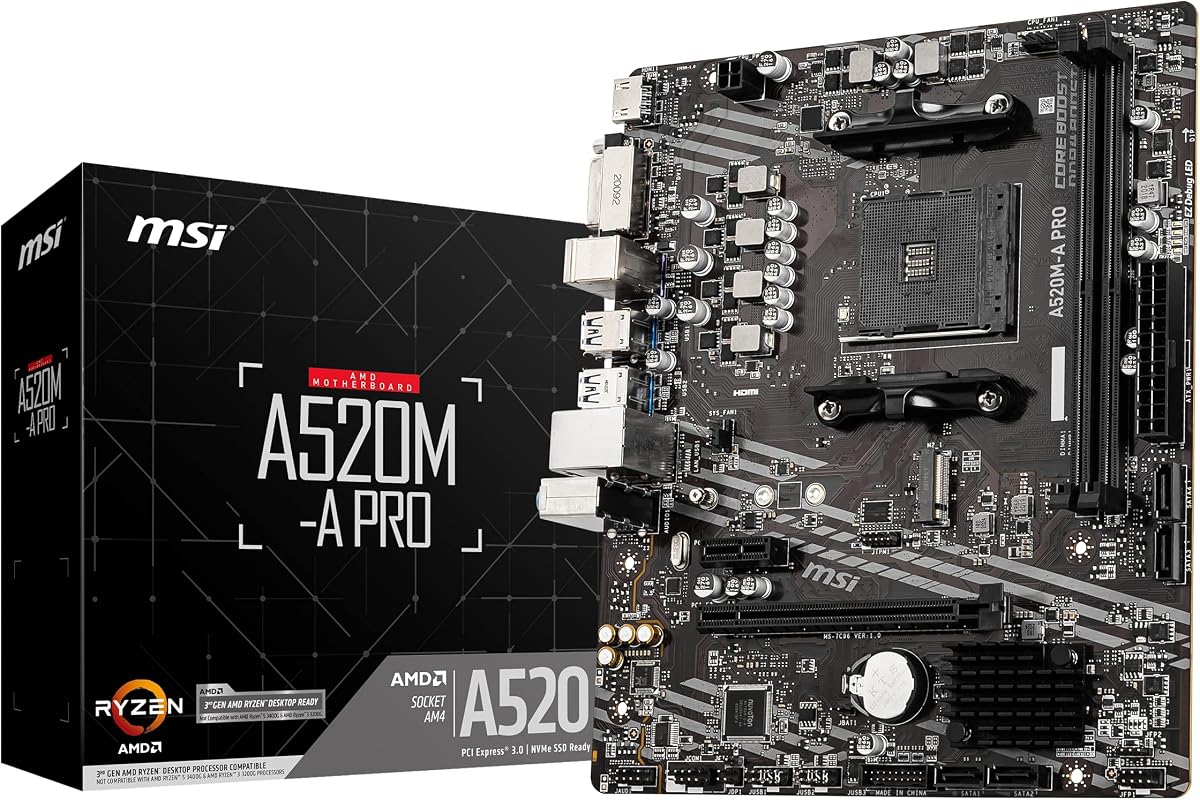
The MSI A520M-A PRO brings essential gaming features to budget systems. With a 4.5 rating it offers stable performance for entry-level AMD builds without unnecessary frills.
We may earn a commission when you buy through this link, at no additional cost to you.
It supports Ryzen 5000 CPUs allowing future upgrades while maintaining cost efficiency. The Turbo M.2 ensures NVMe speeds remain high enough for most gaming and general tasks.
Audio Boost enhances onboard sound but lacks dedicated DACs found on premium boards. The lack of PCIe 4.0 is a limitation for newer SSDs but rarely impacts real world gaming.
Pick this for budget gaming PCs needing solid performance. It balances basic features with reliability making it a safe bet for standard desktop tasks.
Audio Boost delivers improved sound clarity over standard onboard solutions for better media consumption.
DDR4 support up to 4600MHz allows for decent memory performance on a budget platform.
We may earn a commission when you buy through this link, at no additional cost to you.
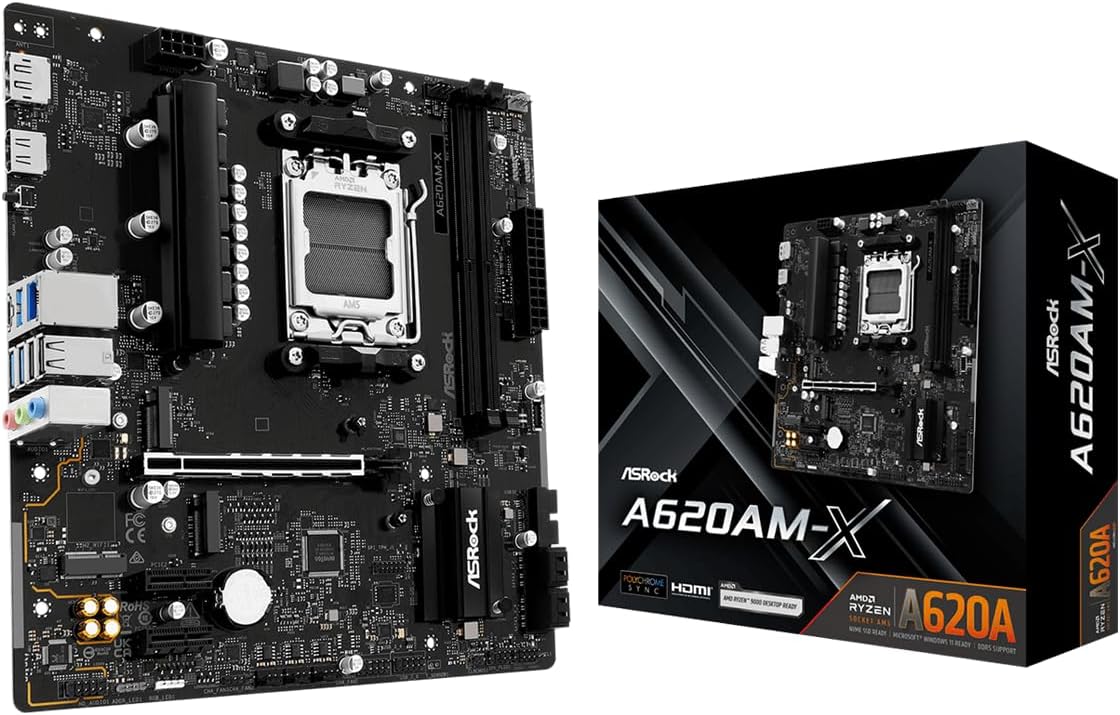
This ASRock board stands out with PCIe 4.0 support and high speed memory capabilities. Its 4.5 rating reflects strong reliability and versatility for various AMD processor configurations.
We may earn a commission when you buy through this link, at no additional cost to you.
The 6 phase power delivery ensures stability even when overclocking memory. Multiple video outputs support legacy monitors making it versatile for office or specialized industrial setups.
Limited USB connectivity is a minor drawback compared to modern boards. However the protection features safeguard against surges ensuring hardware safety in diverse environments.
Select this for builds needing PCIe 4.0 without premium costs. It offers robust protection and connectivity suitable for standard and legacy systems alike.
Support for DDR4 speeds up to 4733MHz allows fine tuning memory performance for better throughput.
HDMI DVI and VGA outputs ensure compatibility with older displays without extra adapters.
We may earn a commission when you buy through this link, at no additional cost to you.
The MSI PRO B550M-P delivers balanced performance for mid-range builds. A 4.3 rating confirms its reliability and strong thermal management for sustained workloads.
We may earn a commission when you buy through this link, at no additional cost to you.
Core Boost and Frozr AI cooling maintain CPU temperatures during intense tasks. Dual M.2 slots provide ample space for fast storage setups essential for modern computing needs.
Lack of Wi-Fi means reliance on Ethernet which is standard for fixed desktops. The basic audio meets essential needs but audiophiles may prefer external DACs.
Buy this for productivity or gaming systems needing stable performance. The cooling and storage features provide excellent value for the price point.
Frozr AI cooling adjusts fan settings dynamically keeping system noise and heat in check.
Gen4 and Gen3 M.2 slots support fast NVMe drives improving boot and load times.
We may earn a commission when you buy through this link, at no additional cost to you.
This model leads in connectivity with integrated Wi-Fi and Bluetooth making it ideal for compact setups. A 4.5 rating highlights its quality and ease of BIOS updates.
We may earn a commission when you buy through this link, at no additional cost to you.
The Flash BIOS Button allows easy updates without CPU installation which is vital for future compatibility. Premium thermal solution ensures stable performance under heavy system loads.
Lack of USB-C is a minor limitation on this board. The USB 3.2 Gen 1 ports cover most peripherals effectively for typical user needs.
Choose this for clean builds needing wireless connectivity. It balances modern features and reliability making it our top pick for most buyers.
Integrated Wi-Fi simplifies cabling and provides stable network access without extra dongles.
Flash BIOS Button ensures you can update firmware anytime without needing a processor installed.
We may earn a commission when you buy through this link, at no additional cost to you.
This ATX board offers premium features at a competitive price. A 4.5 rating confirms robust power delivery and convenient build features for experienced users.
We may earn a commission when you buy through this link, at no additional cost to you.
The 10+3 power phase ensures excellent stability for high-end Ryzen processors. Front USB-C adds modern convenience while Q-Flash Plus simplifies BIOS updates significantly.
Higher cost compared to mATX boards is offset by better cooling and features. The ATX form factor requires a larger case but provides more expansion options.
Opt for this when build quality and features are priorities. It stands out for users needing strong power and modern connectivity options.
Digital twin power design delivers clean current reducing voltage ripple for consistent performance.
Front USB-C support simplifies connection for modern devices like headphones or controllers.
We may earn a commission when you buy through this link, at no additional cost to you.
A solid budget option for small form factor builds. A 4.4 rating indicates reliability and ease of use for standard AM4 systems.
We may earn a commission when you buy through this link, at no additional cost to you.
The compact mATX design fits most cases while maintaining essential features like M.2. HDMI and D-Sub outputs ensure display compatibility for various monitor types.
VRM cooling is basic limiting overclocking potential. This is acceptable for stock CPU usage where maximum performance is not the primary goal.
Select this for small builds on a tight budget. It offers reliable performance without unnecessary complexity for everyday computing needs.
Ideal for smaller cases where space is limited but performance remains important.
USB 3.2 and video outputs provide sufficient connectivity for basic tasks.
We may earn a commission when you buy through this link, at no additional cost to you.
This board brings the latest AM5 ecosystem to budget builds. A 4.5 rating reflects strong performance and readiness for future AMD processor generations.
We may earn a commission when you buy through this link, at no additional cost to you.
DDR5 support up to 8000+ OC ensures high memory bandwidth. The 2.5G LAN provides faster wired networking than standard Gigabit options.
Platform cost is higher due to DDR5 CPUs. However the future proofing justifies investment for users planning long-term system upgrades.
Buy this for next-gen AMD builds needing modern performance. It offers excellent value for those looking ahead.
DDR5 memory provides significantly higher throughput for demanding workloads and gaming.
2.5G LAN delivers faster data transfer rates for high-speed internet connections.
We may earn a commission when you buy through this link, at no additional cost to you.
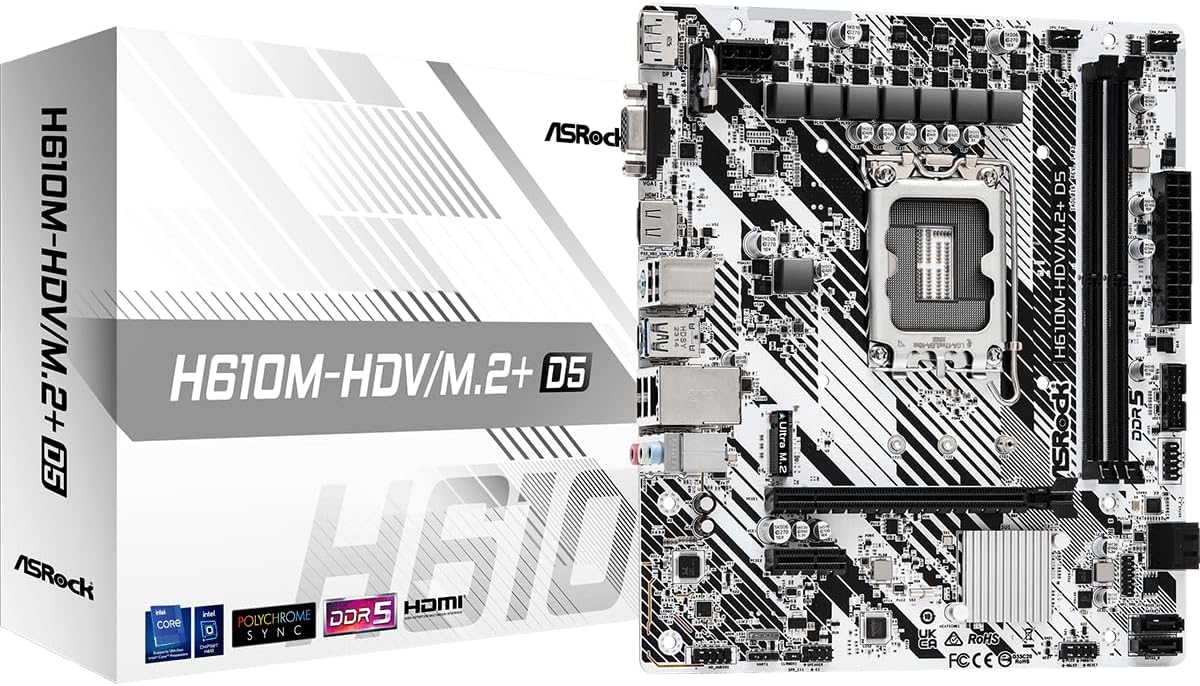
An affordable entry into modern Intel DDR5 builds. A 4.4 rating shows good reliability for daily tasks and light productivity.
We may earn a commission when you buy through this link, at no additional cost to you.
Support for 12th through 14th Gen Intel CPUs ensures compatibility with recent processors. The single PCIe 4.0 slot is sufficient for most users.
VRM limitations restrict high-end CPU usage. This board suits budget systems with non-K processors where power draw remains moderate.
Choose this for cost-effective Intel DDR5 builds. It delivers essential modern features without unnecessary expense.
Supports multiple Intel generations allowing flexibility in choosing processors.
Provides modern memory performance at a lower entry cost than premium boards.
We may earn a commission when you buy through this link, at no additional cost to you.
Selecting the right motherboard requires balancing budget with essential features for your specific use case.
Ensure the motherboard socket matches your CPU generation such as AM4 AM5 for AMD or LGA1700 for Intel. Mismatched sockets will prevent the processor from fitting.
Always verify CPU support lists on manufacturer websites before purchase to avoid incompatibility issues.
DDR5 offers higher bandwidth than DDR4 but costs more. Check if the board supports the speed you need for gaming or productivity.
Match memory type and capacity to your budget and performance goals to avoid bottlenecks.
Micro-ATX boards are cheaper and smaller than ATX but may have fewer ports. ATX offers more expansion slots for advanced needs.
Verify your case supports the selected board size to ensure proper fit and airflow.
PCIe 4.0 provides faster data transfer for GPUs and NVMe drives. PCIe 3.0 remains adequate for most current GPUs.
Count the number of M.2 slots needed for your storage setup to avoid extra cables.
VRM quality affects stability especially when using high-core CPUs or overclocking. More phases generally mean better heat handling.
Budget boards may have limited VRM cooling so pair with CPUs that draw moderate power.
USB-C is becoming standard for peripherals but may not be present on budget boards. Check rear port counts and placement.
Gigabit or 2.5G LAN ensures fast network connections essential for online work.
Onboard audio codecs vary in quality. Audiophiles may need external DACs for lossless sound.
Standard users often find built-in codecs sufficient for general media consumption.
Boards with BIOS Flashback allow updates without CPU making future upgrades easier. This is valuable for longevity.
Prioritize boards with longer support cycles if you plan to upgrade CPU later.
Install the motherboard in a static-free environment using an anti-static wrist strap to prevent electrical damage to sensitive components.
Securely mount standoffs before placing the board to avoid short circuits. Double-check CPU orientation and RAM placement for proper contact.
Maintain system cleanliness with compressed air and moderate airflow. Avoid excessive dust buildup which can cause overheating and instability.
Reliable budget boards prioritize stable VRM and connectivity over extra features. Look for reputable brands and solid construction to ensure longevity.
No DDR5 and DDR4 modules are physically incompatible due to different notch placement. Always match memory type to motherboard support.
Many budget options like B550 and H610 support PCIe 4.0 for storage and GPUs. Check product specs for full compatibility.
Yes Flashback allows BIOS updates without a CPU which helps ensure support for future processors without hardware swaps.
Micro-ATX is usually best for budget builds offering balance of features and cost. ATX fits larger cases but adds unnecessary complexity.
Drivers are available on manufacturer websites. Some boards provide minimal manuals so rely on online resources.
Our top picks span AM4 AM5 and Intel options offering reliability at every price point. The MSI B550M PRO-VDH WiFi stands out with essential connectivity.
Prioritize socket compatibility and VRM quality to ensure stability. Features like USB-C or Wi-Fi may add convenience for your specific setup.
Always verify current prices and listings before purchase. Availability changes often so confirm details match your needs today.