
DARKROCK 3-Pack 120mm Black
4.6Editor score
Three fan value pack
Silicone vibration cushions
Hydraulic bearing design
This guide compares the top exhaust fan for PC options to help you choose the best cooling solution for your computer case, server, or gaming setup.
Finding the right exhaust fan for PC is essential for maintaining optimal system performance and preventing overheating during intensive tasks like gaming or rendering.
We evaluated ten highly rated fans based on airflow, noise levels, bearing type, and overall durability to bring you a curated list of top performers.
Each pick highlights key specifications and real-world benefits, though keep in mind that availability and pricing may change over time on retailer sites.
4.6Editor score

4.8Editor score

4.7Editor score
The following table provides a side-by-side overview of key specifications for each fan to help you quickly identify the model that fits your build needs.


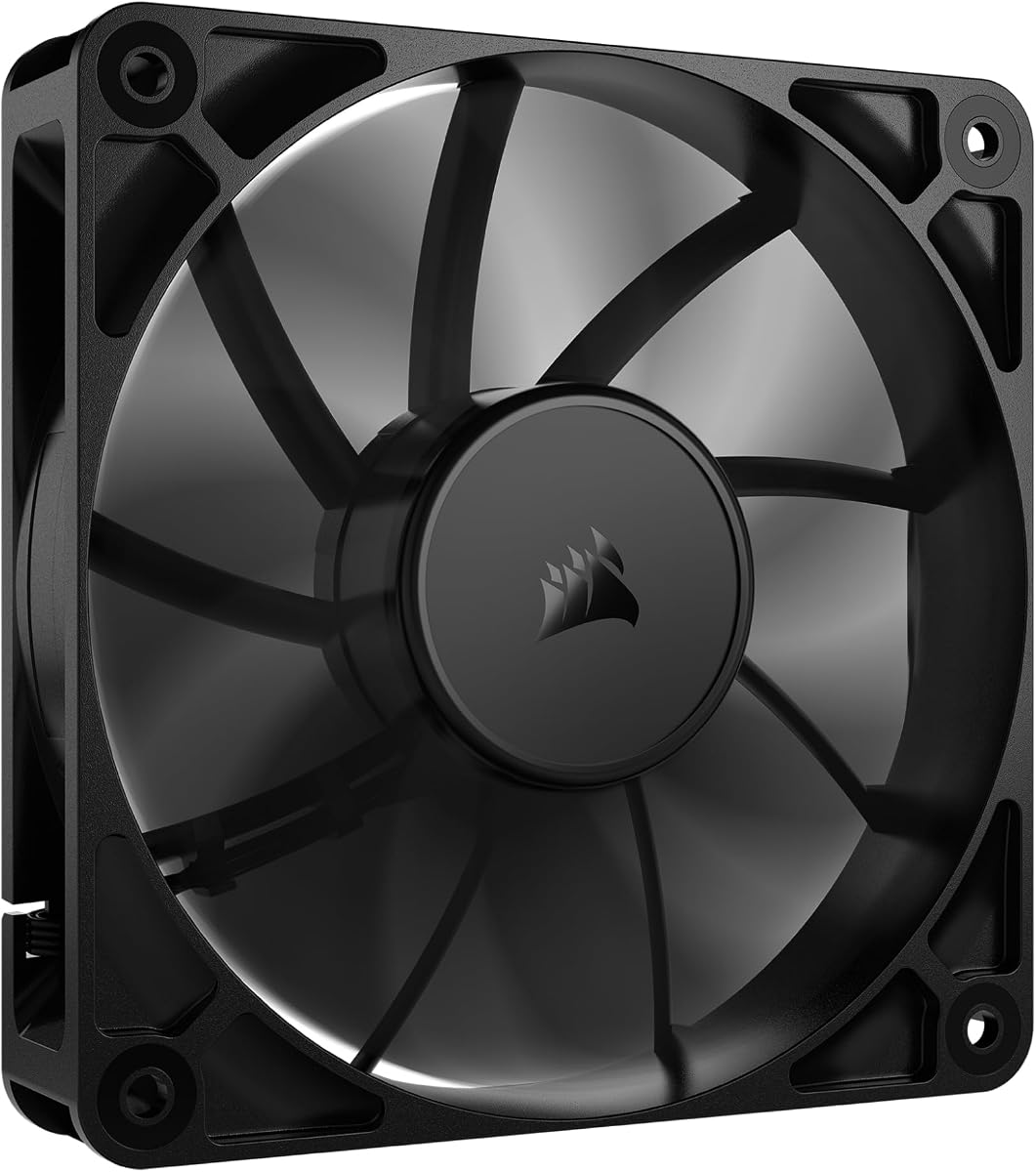


The Noctua NF-P12 redux-1700 PWM stands out as the top choice for builders seeking a balance of performance and silence in their PC setup.
We may earn a commission when you buy through this link, at no additional cost to you.
Its pressure-optimised blade design ensures high static pressure for radiators and CPU coolers while staying under 25.1 dB of noise.
The redux edition strips away premium pricing while maintaining Noctua quality, though it lacks RGB features found on other modern fans.
This fan is ideal for silent workstations, gaming rigs, and users who prioritize long-term reliability over flashy aesthetics.
Even at 1700 RPM, the fan remains whisper quiet, making it perfect for noise-sensitive environments like home offices.
The blade geometry pushes air effectively through dense heatsinks, ensuring efficient cooling under thermal loads.
We may earn a commission when you buy through this link, at no additional cost to you.
This three pack delivers exceptional value for budget-conscious builders needing multiple fans for case airflow or radiator setups.
We may earn a commission when you buy through this link, at no additional cost to you.
Each fan runs at a maximum of 1200 RPM with noise kept to 32.1 dBA thanks to four vibration absorbing silicone cushions per unit.
While lacking PWM and offering a 30000 hour lifespan, these fans are perfectly adequate for standard case exhaust and intake needs.
Buyers looking to outfit a full case without breaking the bank will find this kit an efficient and reliable solution.
The included silicone cushions isolate fan vibration from the case, reducing rattling sounds even at high speeds.
Standard 120mm fit ensures compatibility with all cases, and the 3 PIN connector works with most motherboard headers.
We may earn a commission when you buy through this link, at no additional cost to you.
Thermalright combines performance with aesthetics in this 5 pack offering high quality S-FDB bearings and versatile ARGB lighting modes.
We may earn a commission when you buy through this link, at no additional cost to you.
With speeds up to 1550 RPM and noise kept below 25.6 dBA, these fans move air quietly while adding vibrant visual flair to your build.
PWM control allows automatic speed adjustment based on temperature, balancing cooling efficiency with silent operation during light tasks.
This set is perfect for gamers and enthusiasts who want premium looks without sacrificing cooling efficiency or acoustic comfort.
17 different lighting effects synchronize with motherboard software for a cohesive and immersive PC aesthetic experience.
The S-FDB bearings reduce blade shake and friction ensuring long-term reliability and consistent silent operation.
We may earn a commission when you buy through this link, at no additional cost to you.
This fan offers a unique plug-and-play solution for cooling devices like routers, Xbox consoles, or server cabinets without opening PC cases.
We may earn a commission when you buy through this link, at no additional cost to you.
It includes an AC plug and speed controller allowing users to adjust airflow and noise levels based on the specific environment needs.
Dual ball bearings provide a 50000 hour lifespan and ensure smooth operation even during extended periods of continuous cooling use.
Ideal for users needing quick external cooling without modifying PC power supplies, this fan is practical for many non-standard setups.
From gaming consoles to greenhouse setups, this fan adapts to many cooling tasks beyond standard computer case use.
The included controller lets you dial in the perfect balance between cooling power and noise for your specific situation.
We may earn a commission when you buy through this link, at no additional cost to you.
True to its name, this fan delivers outstanding silence while maintaining high performance thanks to optimized blade and frame design.
We may earn a commission when you buy through this link, at no additional cost to you.
The rifle bearing supports an 80000 hour lifespan ensuring your cooling setup remains reliable for years of continuous operation and use.
Seven optimized blades maximize airflow while minimizing turbulence, providing quiet performance even under demanding PC configurations.
Enthusiasts seeking a dependable silent fan without RGB features will find this be quiet! model a trusted choice for any build.
Minimum RPM settings allow for near silent operation during idle or light tasks without sacrificing cooling when needed.
The frame is optimized for peak performance on radiators ensuring efficient heat exchange and better system temperatures.
We may earn a commission when you buy through this link, at no additional cost to you.
This portable fan is designed for cooling routers mini PCs and consoles with a simple USB connection and ultra quiet 18 dB operation.
We may earn a commission when you buy through this link, at no additional cost to you.
Its 9 blade design and 55.8 CFM airflow help drop device temperatures by 20 percent preventing overheating and performance drops.
Built-in shock absorbing pads protect surfaces from scratches while ensuring vibration free operation during extended cooling sessions.
Perfect for living room setups or home offices where silent portable cooling is needed without additional power adapters or wires.
At 18 dB this fan is quieter than rustling leaves making it ideal for quiet environments like libraries or bedrooms.
Works seamlessly with PS5 Xbox Series routers and other electronics providing flexible cooling options across your devices.
We may earn a commission when you buy through this link, at no additional cost to you.
The RS120 simplifies cabling with its daisy-chain connection allowing multiple fans to be controlled by a single 4-pin PWM connector.
We may earn a commission when you buy through this link, at no additional cost to you.
AirGuide technology directs airflow toward hotspots while the Magnetic Dome bearing ensures quiet operation with reduced friction noise.
With 4.15 mm H2O static pressure these fans excel at pushing air through dense radiators and heatsinks efficiently.
Builders planning multi-fan setups will appreciate the streamlined wiring and concentrated cooling capabilities of this CORSAIR model.
Connect multiple fans in series using just one PWM connector to reduce cable clutter and simplify motherboard management.
Ideal for radiator use where pushing air through dense fins is necessary to maintain effective thermal dissipation.
We may earn a commission when you buy through this link, at no additional cost to you.
For smaller cases or CPU coolers that require an 80mm fan this model delivers silent operation with optimized blade airflow.
We may earn a commission when you buy through this link, at no additional cost to you.
It works well in mining rigs and office desktops where low noise is a priority without sacrificing essential cooling performance.
The rugged black frame and reliable long life bearing ensure consistent performance even during extended mining or server use.
This fan is a solid choice for compact builds where space is limited but silent efficient airflow is still required.
The 80mm size fits standard mounts in smaller cases and CPU coolers without requiring custom modifications or adapters.
Built to handle high performance environments it maintains airflow and minimizes overheating risks for GPU farms.
We may earn a commission when you buy through this link, at no additional cost to you.
Designed for projects needing extreme ventilation this fan delivers massive 230 CFM airflow and 5300 RPM speeds for industrial cooling.
We may earn a commission when you buy through this link, at no additional cost to you.
The 38mm thick design and 4 PIN PWM connector allow intelligent speed regulation based on temperature thresholds set in BIOS.
With dual ball bearings rated for 67000 hours it supports heavy duty use in miners and server GPU chassis reliably.
Builders needing maximum air movement for high heat loads like mining rigs or custom water cooling systems will benefit most.
230 CFM airflow ensures rapid heat removal for high-performance components that generate significant thermal output.
PWM support allows you to set trigger temperatures so the fan ramps up only when cooling is actually needed.
We may earn a commission when you buy through this link, at no additional cost to you.
This 3 pack mirrors the performance of the larger Thermalright set at a lower price point ideal for three fan builds.
We may earn a commission when you buy through this link, at no additional cost to you.
ARGB lighting, S-FDB bearings and PWM speed control provide premium features without the high cost typically associated with RGB fans.
At 1550 RPM and 25.6 dBA noise these fans balance airflow and silence effectively for standard case and CPU cooler use.
Buyers seeking ARGB aesthetics at a value price will find this set a compelling choice for complete case cooling setups.
This 3 pack delivers premium ARGB and PWM features at a price lower than most competitors for similar specs.
Automatic speed adjustment ensures efficient cooling during load while keeping the system whisper quiet at idle.
We may earn a commission when you buy through this link, at no additional cost to you.
Selecting the right exhaust fan requires balancing performance, noise, and compatibility with your specific case and cooling needs.
Airflow measured in CFM indicates how much air the fan moves per minute. Higher CFM improves cooling but may increase noise. Choose based on case size and component heat output.
Look for 60 CFM for standard cases and 100+ CFM for radiators or high-heat setups.
Noise measured in dBA affects your workstation comfort. Quiet fans stay under 25 dB while high performance models reach 35 dB. Consider your tolerance for sound.
Prioritize fans with noise ratings under 30 dB for silent builds and under 25 dB for home offices.
Bearings determine fan lifespan and reliability. Sleeve bearings are cheap but wear quickly. Ball and S-FDB bearings last longer and run smoother.
Choose fluid dynamic or ball bearings for systems expected to run continuously or under heavy loads.
Standard sizes include 120mm and 140mm. Compact builds may need 80mm fans. Measure your case mounts before buying to ensure a physical fit.
Ensure your case supports 120mm or larger sizes for better cooling performance and lower noise.
PWM fans allow speed control via motherboard headers. 3-pin fans run at fixed speeds. PWM offers better temperature response and noise management.
Choose 4-pin PWM connectors for automatic speed adjustment based on system temperature readings.
Static pressure is critical for pushing air through radiators or dust filters. High static pressure fans perform better in tight spaces.
Prioritize 4+ mm H2O pressure for radiator mounting and dense heatsink cooling.
ARGB fans add visual flair but require compatible RGB headers. Non-RGB fans are cheaper and simpler. Decide based on your build aesthetic goals.
Choose ARGB if you want synchronized lighting or plain black fans for minimalism.
Most PC fans use motherboard connectors. External fans might use AC or USB plugs. Ensure your power source matches the fan type.
Check that your motherboard or case provides enough headers or external power ports.
Install your exhaust fan at the rear or top of the case to push hot air out. Match intake fans to avoid dust buildup and maintain balanced airflow.
Use a screwdriver and rubber grommets to mount fans securely. Tighten screws evenly to prevent vibration noise and fan blade wobbling.
Clean dust from blades every few months with compressed air. Lubricate sleeves if needed and check bearing wear for long-term quiet operation.
Check your case manual or measure the mounting holes. Most cases support 120mm or 140mm fans. Smaller mini ITX cases may require 80mm or 92mm options.
Yes but the 3-pin fan will run at full speed. Use separate headers or a splitter with independent PWM control to maintain noise and temperature balance.
Static pressure pushes air through dense filters while airflow moves air through open space. Choose pressure fans for radiators and airflow for cases.
A 30 dBA fan is comparable to a quiet library. It is noticeable in a silent room but acceptable for most gaming or work setups.
Yes. Intake fans bring cool air in but exhaust fans remove hot air. Without exhaust, heat builds up causing throttling and performance issues.
Clean dust every three to six months depending on your environment. Dust accumulation increases noise and reduces cooling efficiency over time.
Quality fans with fluid dynamic or ball bearings last 50000 to 150000 hours. Cheap sleeve bearings may last only 20000 hours under continuous load.
No. PC fans typically require 12V headers while console fans may use proprietary connectors. Stick to standard PC fans for safe compatibility and performance.
Whether you need silent quiet operation from Noctua or budget value from DARKROCK, the right fan keeps your PC cool and quiet.
Prioritize CFM, bearing type and PWM support to match your specific cooling needs without overspending on unnecessary features.
Always check current pricing and availability since deals change frequently and the best models may vary by retailer availability.