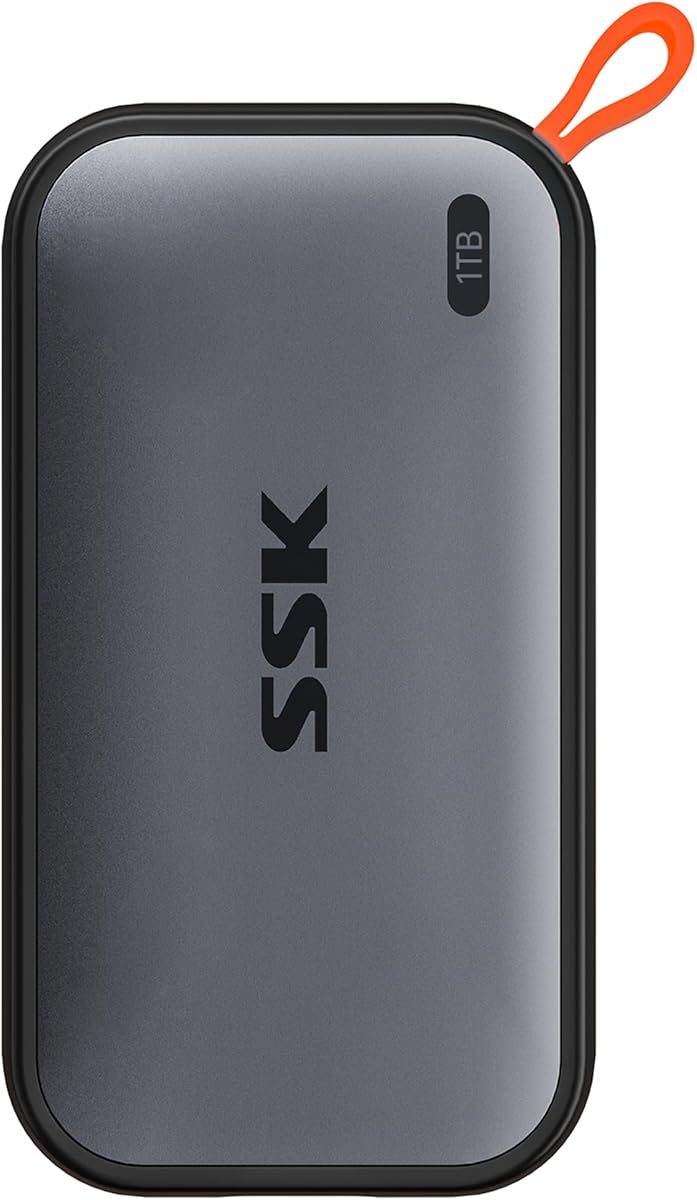
SSK Portable SSD 1TB
4.5Editor score
1050MB/s read speed
Lightweight aluminum design
iPhone ProRes support
This guide compares the top external SSDs for MacBook Air based on speed, durability, compatibility, and value to help you choose the right storage solution.
MacBook Air users often need reliable external storage to expand their limited built-in capacity. Finding the right drive means balancing speed, portability, and ruggedness for daily tasks and creative work.
We evaluated ten leading models based on real-world performance, build quality, and seamless macOS integration. Our comparisons focus on read-write speeds, connectivity options, and long-term reliability for portable workflows.
Each pick highlights key strengths and ideal use cases so you can match a drive to your specific needs. Prices and availability change frequently, so verify current offers before making your final purchase decision.
4.5Editor score

4.7Editor score
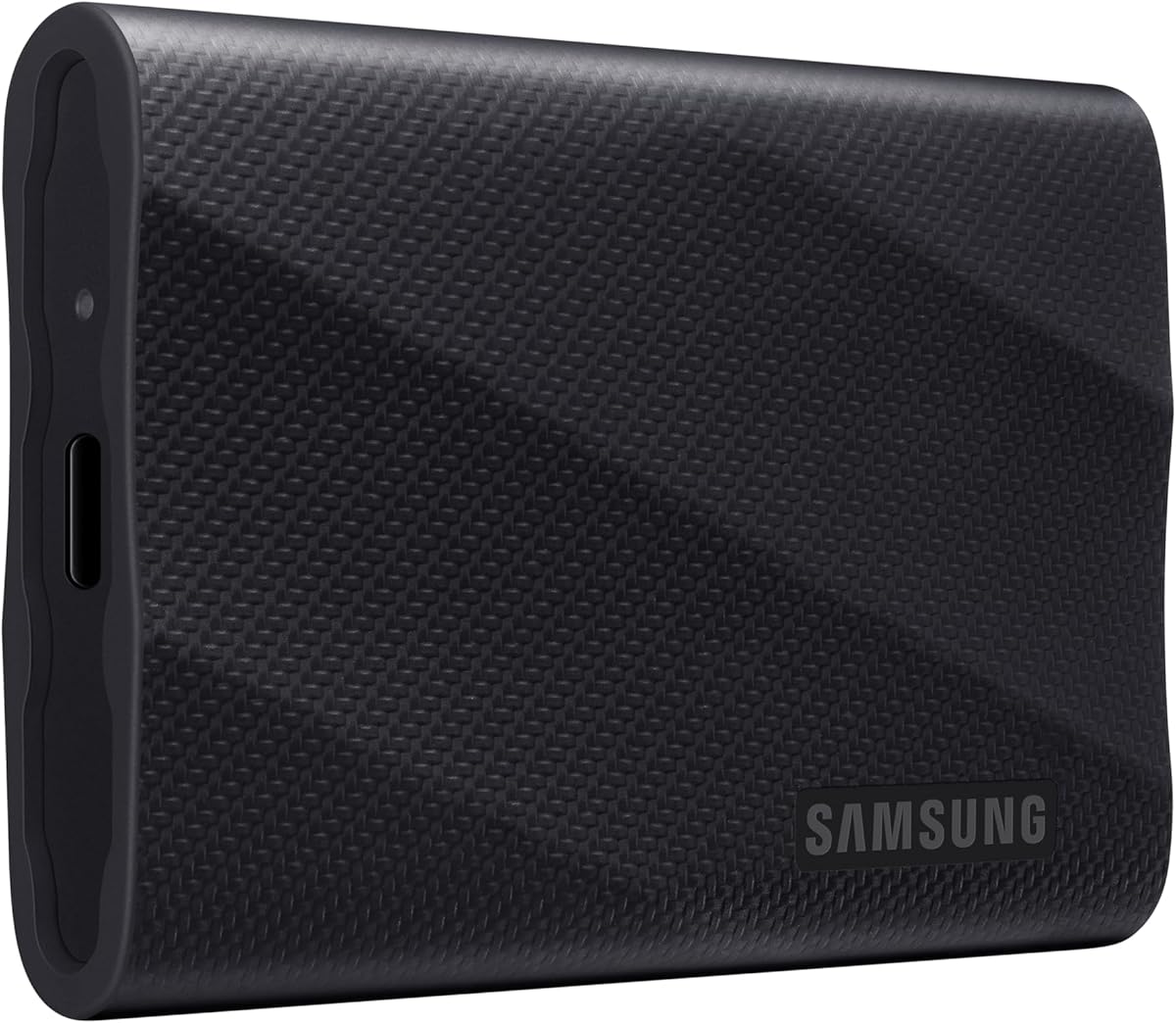
4.6Editor score
The following table provides a side-by-side overview of all ten selected drives. It highlights key specifications such as maximum read speeds, protection ratings, and unique features to simplify your decision-making process.


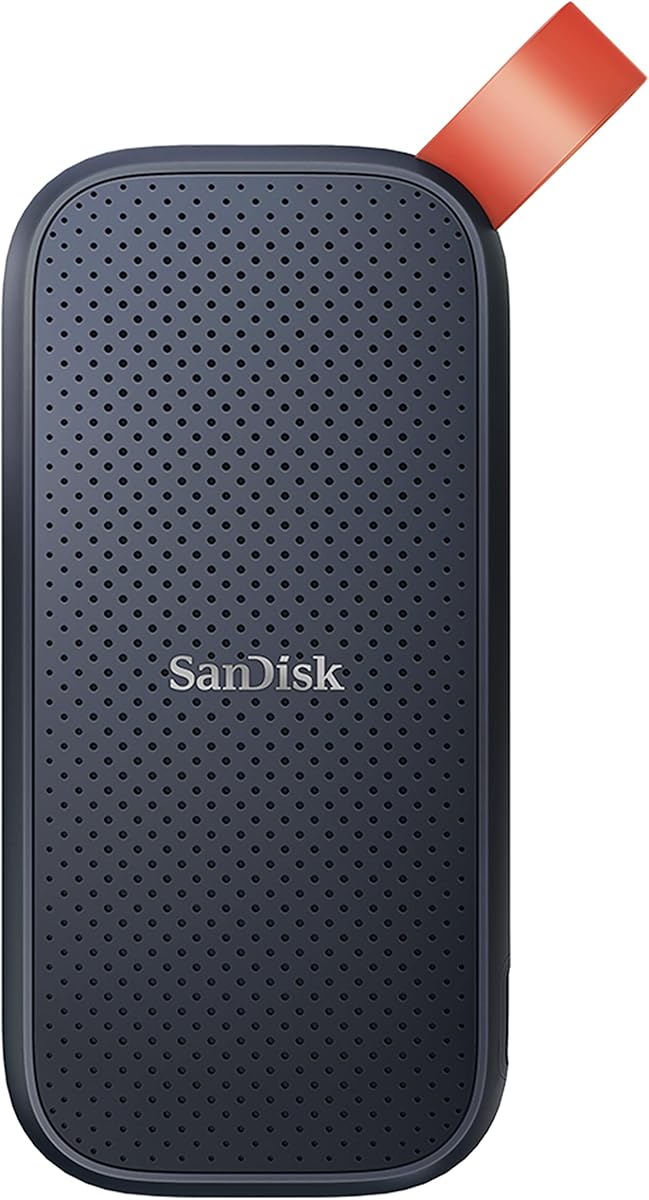


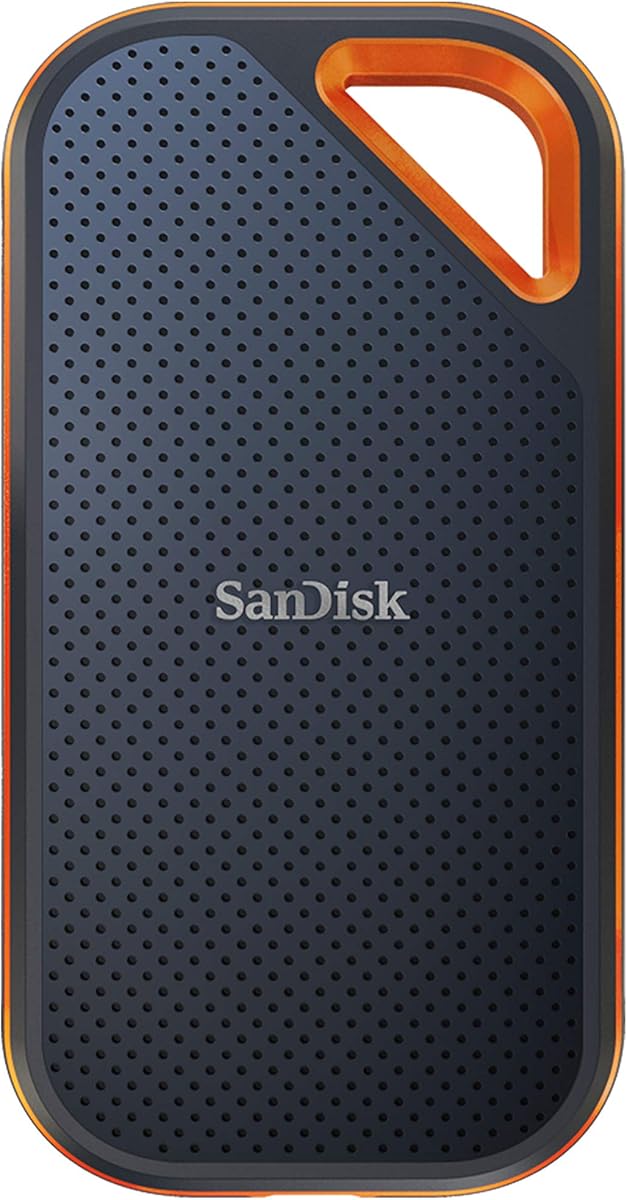

The Samsung T7 Portable SSD 1TB stands out as the most reliable all-rounder for MacBook Air owners. With a rating of 4.7 stars it delivers consistent performance that matches modern macOS expectations for speed and stability.
We may earn a commission when you buy through this link, at no additional cost to you.
Its PCIe NVMe technology ensures read speeds up to 1050MB/s which is critical for editing 4K video or managing large photo libraries. The solid aluminum unibody case also acts as a passive heatsink to maintain performance during long file transfers.
While it lacks some advanced software features found in higher-end models the T7 remains simple to use. Some users note that the price can fluctuate based on capacity but the base 1TB model offers a balanced value proposition.
Anyone seeking a drive that balances speed durability and ease of use should consider this model. It is ideal for students professionals and creatives who need a dependable storage extension without complexity.
The all-metal construction helps dissipate heat efficiently so the drive maintains consistent speeds even during intensive workloads.
Works seamlessly with Mac Windows Android and iOS devices making it versatile for cross-platform workflows.
We may earn a commission when you buy through this link, at no additional cost to you.
The Samsung T9 Portable SSD 1TB is designed for users who need maximum throughput without compromising on build quality. It supports USB 3.2 Gen 2×2 interfaces to deliver read speeds up to 2000MB/s for lightning fast data movement.
We may earn a commission when you buy through this link, at no additional cost to you.
Dynamic Thermal Guard technology ensures the drive stays cool even during heavy use preventing throttling that often affects portable storage. The included Magician software provides deep insights into drive health and performance optimization.
To fully utilize its speed you need a Mac with a compatible USB 3.2 Gen 2×2 port which is not present on all MacBook Air models. This requirement can limit its benefit for users with older hardware.
Professionals working with massive video files or large databases will appreciate the raw power of this drive. It is a premium choice for those who need the best performance money can buy in a portable form factor.
Supports USB 3.2 Gen 2×2 to double bandwidth potential for users with compatible high-speed ports.
Advanced cooling keeps the drive running at peak speeds during long editing sessions without overheating.
We may earn a commission when you buy through this link, at no additional cost to you.
The SSK Portable SSD 1TB offers impressive performance at a budget-friendly price point making it accessible to a wide range of users. It delivers read speeds up to 1050MB/s which competes well with more expensive brands.
We may earn a commission when you buy through this link, at no additional cost to you.
Its SLC caching technology helps maintain steady write speeds for typical file transfers ensuring smooth operation. The aluminum alloy case is only 2mm thick and weighs just 36.6g making it one of the lightest options available.
MacOS users may see the full 1TB capacity but Windows users often see around 931GB due to binary calculation differences which is standard for storage devices. This does not affect actual physical storage or performance in any way.
This drive is ideal for students or casual users who need reliable storage without breaking the bank. Its portability and speed make it a strong contender for everyday backups and media storage on the go.
Weighing just 36.6 grams it is easy to carry in a pocket or small bag without adding noticeable weight.
SLC caching ensures consistent speeds during transfers reducing bottlenecks for common user scenarios.
We may earn a commission when you buy through this link, at no additional cost to you.
The Sandisk 2TB Extreme Portable SSD is built for users who need substantial storage in a rugged package. It supports read speeds up to 1050MB/s and offers 2TB of capacity for extensive media libraries or project backups.
We may earn a commission when you buy through this link, at no additional cost to you.
Its IP65 rating protects against water and dust while the 3-meter drop protection ensures it can withstand accidental falls. These features make it particularly suitable for outdoor photography or construction site usage.
The included password protection with 256-bit AES encryption adds a layer of security for sensitive files. A carabiner loop is also provided so you can attach it to a backpack or belt loop for extra security.
This drive is perfect for professionals who work in harsh environments or need large storage without external enclosures. It balances capacity durability and speed effectively though it may be slightly heavier than other models.
IP65 rating means it can withstand water jets and dust so it works in rain or sandy conditions.
Built-in 256-bit AES encryption keeps personal data secure without needing third-party software tools.
We may earn a commission when you buy through this link, at no additional cost to you.
The Lexar ES3 1TB Portable SSD stands out for its slim profile and stylish silver finish. It is only 10.5mm thick and weighs 42g making it easy to slip into any pocket or slim laptop sleeve.
We may earn a commission when you buy through this link, at no additional cost to you.
Read speeds reach up to 1050MB/s thanks to USB 3.2 Gen 2 technology which is fast enough for most creative tasks. The included Lexar DataShield software allows you to protect files with 256-bit AES encryption.
Users should note that this version does not support Magsafe features and is optimized for newer iPhone series. For Mac users though it remains a solid choice for portable storage due to its compact size and decent speed.
This drive is best for users who prioritize portability and aesthetics without sacrificing core performance. It works well for daily backups and file transfers where a discreet and lightweight drive is preferred.
At 10.5mm thick it fits easily into tight spaces like pencil cases or small pockets.
Lexar DataShield software helps protect sensitive files with robust hardware-level encryption standards.
We may earn a commission when you buy through this link, at no additional cost to you.
The Sandisk 1TB Portable SSD is a classic model that offers reliable storage at an accessible price. While it has slower read speeds up to 800MB/s it is still fast enough for most general file management tasks.
We may earn a commission when you buy through this link, at no additional cost to you.
It features 2-meter drop protection and includes a rubber hook so you can secure it to a backpack or belt loop. This durability makes it a good choice for users who frequently travel or move their devices around.
Being an older model it may not match the raw performance of newer NVMe drives but it remains a solid option for backups. The black design is understated and professional for everyday use.
For users on a tight budget who do not need the fastest speeds this drive provides dependable performance. It is suitable for storing documents photos and non-critical media files for long-term retention.
2-meter drop protection ensures the drive can survive accidental drops from tables or desks.
Rubber hook allows easy attachment to bags for hands-free carry during travel.
We may earn a commission when you buy through this link, at no additional cost to you.
The Lexar 2TB ES3 External SSD delivers double the capacity of many competitors while maintaining fast read speeds up to 1050MB/s. It is ideal for users who need to store large libraries of video or photo assets.
We may earn a commission when you buy through this link, at no additional cost to you.
Built-in double layer graphite sheets conduct heat away from the drive to keep it cool during high-speed transfers. This thermal management helps prevent performance throttling that can occur with long usage sessions.
The drive is drop-resistant up to 2 meters and is compatible with a 2-in-1 USB-C/USB-A cable for broad device support. It is designed for both everyday use and office environments where reliability is key.
For professionals who need significant storage without switching to a desktop setup this drive is a strong choice. It balances speed capacity and durability in a package that is easy to transport to client meetings.
Double layer graphite sheets help dissipate heat efficiently to maintain steady performance speeds.
2TB of storage is sufficient for multiple large video projects without needing additional drives.
We may earn a commission when you buy through this link, at no additional cost to you.
The Lexar 1TB Go Portable SSD w/Hub offers a unique combination of storage and connectivity for flexible workflows. It includes a hub with four USB Type-C ports plus adapters and cables to customize your setup easily.
We may earn a commission when you buy through this link, at no additional cost to you.
Read speeds reach up to 1050MB/s allowing for seamless 4K recording and swift backups. The wireless plug-and-play Type-C connector frees you from tangled cables making it easy to use with MacBook Air.
The hub allows you to connect multiple devices simultaneously which is useful for photographers or videographers who need to access cameras and drives at once. However the hub may add some bulk to the compact drive itself.
This solution is best for users who want a central storage and connectivity hub in one device. It simplifies setup for shoots or presentations where you need quick access to multiple peripherals and files.
Four USB-C ports plus adapters make it easy to connect cameras and other drives.
Wireless plug-and-play design reduces cable clutter on your desk or travel bag.
We may earn a commission when you buy through this link, at no additional cost to you.
The Sandisk 1TB Extreme PRO Portable SSD features powerful NVMe performance with read speeds up to 2000MB/s. It uses a forged aluminum chassis that acts as a heatsink to deliver higher sustained speeds in a portable drive.
We may earn a commission when you buy through this link, at no additional cost to you.
It offers up to 3-meter drop protection and IP65 water and dust resistance making it rugged enough for tough environments. The included password protection with 256-bit AES hardware encryption keeps your content secure from unauthorized access.
As an older model it may be harder to find but it still offers excellent performance for the price. The SanDisk Memory Zone app helps manage files and automatically free up space on the drive.
This drive is great for users who need high speeds and ruggedness without paying for the latest flagship model. It remains a strong performer for video editing and large file transfers on MacBook Air systems.
Up to 2000MB/s read speeds make it ideal for editing 4K video without lag or buffering.
Forged aluminum chassis provides durability and heat dissipation for long-lasting use.
We may earn a commission when you buy through this link, at no additional cost to you.
The Sandisk 2TB Extreme Portable External SSD provides a reliable 2TB storage option for those prioritizing capacity. Its shock-resistant solid state core and IP55 rating ensure durability against dust and water exposure.
We may earn a commission when you buy through this link, at no additional cost to you.
Read speeds are up to 550MB/s which is slower than newer models but sufficient for storing large libraries of photos and videos. The compact pocket-sized design makes it easy to carry anywhere in a jacket pocket.
With a high customer rating of 4.8 stars it has proven dependable for Mac and PC users alike. The built-in technology leader reputation of SanDisk adds confidence in its long-term reliability and warranty support.
This drive is best for users who need large storage and durability without needing the fastest transfer speeds. It is ideal for archival storage or as a backup drive for critical data on the go.
Shock-resistant core protects data from vibrations and drops ensuring safety during travel.
Fits easily in a pocket or small bag making it convenient for daily carry.
We may earn a commission when you buy through this link, at no additional cost to you.
Choosing the right external SSD requires balancing several key factors to ensure your new drive meets your workflow needs. The following sections break down the most important specs and features to look for before buying.
Storage capacity determines how many files you can keep on your drive. For MacBook Air users with limited internal storage 1TB is a practical starting point while 2TB is better for video editors or large media libraries.
Always choose a capacity that fits your long-term needs without overpaying for unused space.
Read speeds affect how quickly you can access files while write speeds impact how fast you can save data. For creative work aim for drives with speeds above 1000MB/s to ensure smooth performance with large files.
Higher speeds reduce wait times and keep your workflow efficient when editing or transferring data.
Durability features like drop protection and water resistance are critical if you carry your drive in a backpack or use it outdoors. Look for ratings like IP65 or drop protection up to 3 meters for peace of mind.
A rugged design ensures your data remains safe even if the drive is dropped or exposed to elements.
Connectivity options determine how well the drive works with your MacBook Air. USB-C and USB 3.2 Gen 2 are standard but newer drives may offer USB 3.2 Gen 2×2 for faster speeds on compatible devices.
Ensure the drive uses ports available on your Mac to avoid needing extra dongles or adapters.
Security features like hardware encryption protect your files from unauthorized access. Look for drives with 256-bit AES encryption or included software that allows you to password-protect your data easily.
Encryption is essential if you store sensitive documents or personal files on your portable drive.
Portability is key for MacBook Air users who travel frequently. Lighter drives under 50 grams are easier to carry daily without adding bulk to your bag or pocket.
Prioritize lightweight designs if you plan to move your drive with you every day.
Price varies by capacity and performance. Budget options offer good value for basic storage while premium models provide faster speeds and better durability for professionals.
Determine your budget and compare features to ensure you get the best value for your specific needs.
A strong warranty protects your investment against defects. Most top drives offer at least three years of coverage with customer support available for technical issues.
Check warranty terms before buying to ensure you have reliable support if something goes wrong.
When you receive your new external SSD plug it directly into a USB-C port on your MacBook Air. If the drive appears in Finder you are ready to use it immediately. For optimal performance use the included cables and avoid using unpowered USB hubs.
Regularly back up your data using Time Machine or manual copying to keep your files safe. Eject the drive properly from the sidebar before unplugging it to prevent data corruption or file loss.
Keep your drive in a cool dry place away from direct sunlight or extreme temperatures. Avoid dropping it or exposing it to water unless it is specifically rated for those conditions.
Most modern external SSDs with USB-C connectors work with all MacBook Air models that have USB-C Thunderbolt ports. Older MacBooks with USB-A ports may need an adapter to connect the drive properly.
Some drives come pre-formatted for Mac but others may require reformatting. If the drive is not recognized open Disk Utility to format it as APFS or Mac OS Extended for full compatibility.
Yes you can run many applications directly from an external SSD as long as the connection is stable and the drive is fast enough. Some apps may require you to reauthorize them when moved to an external drive.
USB 3.2 Gen 2 offers faster speeds up to 10Gbps compared to USB 3.1 which supports up to 5Gbps. Choosing a Gen 2 drive ensures you get maximum performance from your MacBook Air's high-speed ports.
External SSDs typically last several years depending on usage. Most include a three-year warranty and have durability features like drop protection to ensure long-term reliability in daily use.
Using an external SSD should not slow down your MacBook Air unless the drive is old or has slow connection speeds. Modern SSDs with USB 3.2 Gen 2 perform well and do not impact system performance.
We reviewed ten top external SSDs for MacBook Air ranging from budget-friendly options to premium high-speed drives. Each model offers unique strengths whether you need massive capacity rugged protection or ultra-fast transfer speeds for professional work.
Prioritize storage capacity and speed based on your daily tasks. If you edit video choose a drive with fast read speeds and high durability while casual users may prefer lightweight and affordable options for basic file storage.
Prices and availability change frequently so check current offers on Amazon before making your final purchase decision. Verify that the drive matches your MacBook Air's ports and storage needs to ensure satisfaction with your investment.