
Seagate 8TB BarraCuda Internal Hard Drive | SATA 6 Gb/s
4.7Editor score
Proven reliability for desktop use
High capacity at affordable price
Sustained transfer rates up to 190MB/s
Frustration Free Packaging
Selecting the right storage is crucial for a smooth Jellyfin experience. You need a drive that handles continuous media streaming without lag or failures. This guide explores the best options available for your home server needs.
We evaluated these drives based on capacity, speed, reliability ratings, and specific features like CMR technology. Each product offers unique strengths for different budget levels and server configurations. Our analysis helps you make an informed decision.
Each pick below highlights key specifications and real-world performance traits. Prices and availability can fluctuate daily. Check the current listings before purchasing to ensure you get the best value for your specific Jellyfin setup requirements.
4.7Editor score

4.5Editor score
4.2Editor score
As an Amazon Associate we earn from qualifying purchases.
The following table provides a side-by-side comparison of the ten top-rated hard drives selected for Jellyfin servers. Each entry highlights key specifications such as capacity, rotational speed, cache size, and warranty details to simplify your selection process.




The Seagate IronWolf 4TB stands out as the premier choice for Jellyfin media servers. It holds a strong 4.5 rating from users who need consistent uptime and data integrity. Its NAS optimization ensures smooth streaming even under heavy multi-user loads.
We may earn a commission when you buy through this link, at no additional cost to you.
This drive is purpose-built for NAS enclosures, reducing wear and tear during constant operation. It features IronWolf Health Management to monitor drive status effectively. The integrated vibration sensors help maintain performance when multiple drives run together in a server chassis.
While it costs slightly more than standard desktop drives, the reliability justifies the investment for a home media server. You avoid risks associated with drives not rated for continuous write-intensive workloads typical in transcoding scenarios.
This drive is ideal for users running dedicated NAS systems or multi-bay setups for Jellyfin. If you prioritize long-term reliability and data safety over initial cost savings, this model is the clear recommendation for your library storage needs.
Unlike standard desktop drives, IronWolf drives are engineered to handle 24×7 workloads common in server environments. This ensures consistent performance without overheating or premature wear during media streaming tasks.
The built-in IronWolf Health Management system allows you to track drive conditions proactively. This helps prevent unexpected failures and ensures your media library remains accessible at all times for your household.
We may earn a commission when you buy through this link, at no additional cost to you.
The Seagate 8TB BarraCuda offers exceptional value for those seeking large storage capacity without breaking the bank. With a high 4.7 user rating, it delivers solid performance for general desktop and media storage applications. Its 190MB/s sustained transfer rate supports smooth media playback.
We may earn a commission when you buy through this link, at no additional cost to you.
This drive serves as a go-to SATA solution for nearly every PC application including video storage. Its proven reliability backed by decades of innovation makes it a dependable choice for storing extensive movie and TV show libraries. The Frustration Free Packaging simplifies setup.
While it lacks specific NAS optimization features like vibration sensors, it performs well for users with single-drive setups or less intensive usage patterns. Users should ensure adequate airflow in their server case to prevent heat buildup during long streaming sessions.
Buy this drive if you need maximum storage per dollar and plan to use it in a single-bay system. It balances capacity and cost effectively, making it a popular option for budget-conscious Jellyfin builders who prioritize volume over enterprise features.
With 8TB of space, this drive can store thousands of high-definition movies and shows. It eliminates the need for multiple smaller drives in many home server scenarios while keeping costs competitive.
The 190MB/s sustained transfer rate ensures quick loading of large media files. This speed helps prevent buffering and supports rapid library indexing for your Jellyfin server.
We may earn a commission when you buy through this link, at no additional cost to you.
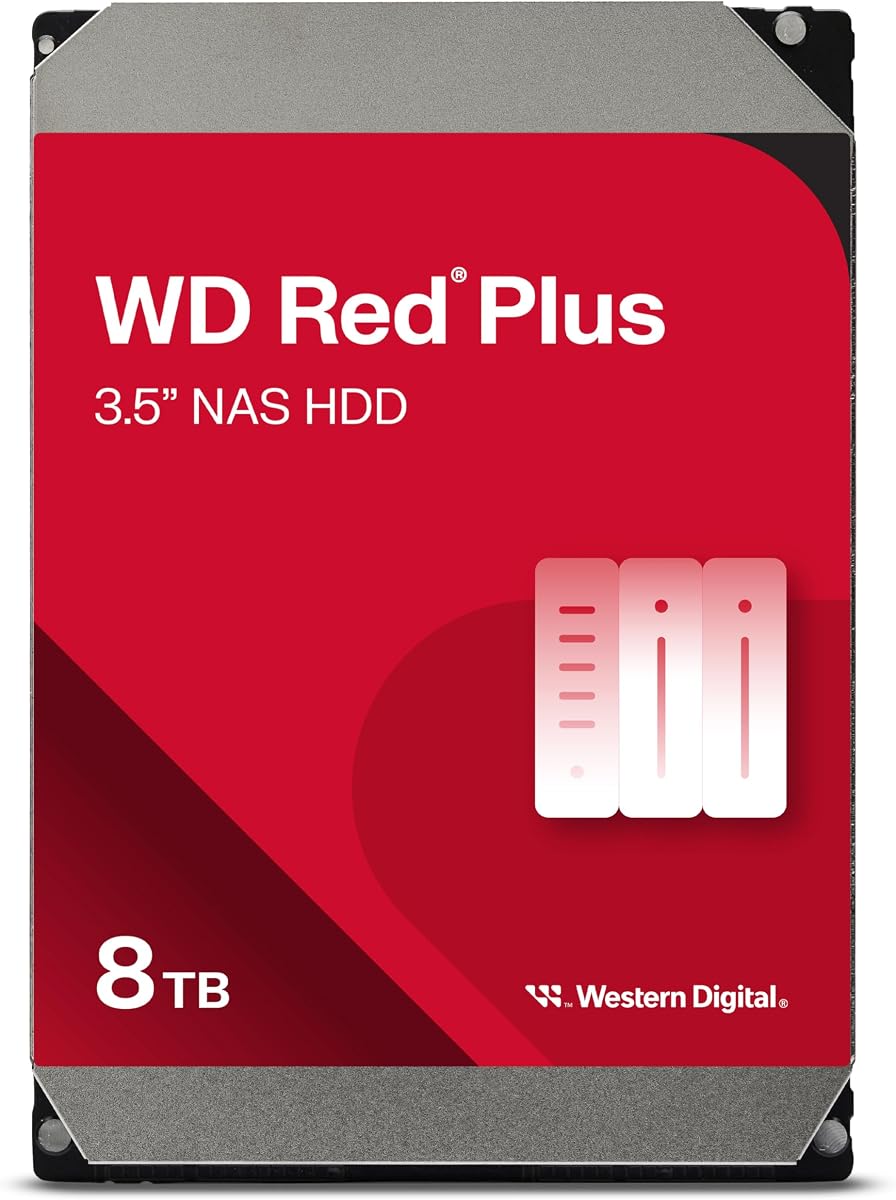
The Western Digital 8TB WD Red Plus is engineered for robust NAS systems. It holds a 4.2 rating reflecting its strong performance in business-grade storage applications. Its CMR technology ensures reliable writes compared to SMR alternatives often found in similar price ranges.
We may earn a commission when you buy through this link, at no additional cost to you.
This drive supports up to 180 TB/year workload rate, making it suitable for heavy multi-user streaming environments. The NASware firmware enhances compatibility and performance across various NAS enclosures. Its design accommodates up to eight bays, perfect for scaling your Jellyfin library.
The premium pricing reflects its enterprise-grade reliability and specialized features. While standard desktop drives may seem cheaper, the Red Plus minimizes risks associated with data corruption during simultaneous read/write operations typical in media transcoding tasks.
Choose this drive if you operate a multi-bay NAS and require maximum reliability and scalability. It is an excellent choice for users who prioritize long-term stability and professional-grade performance for their home media server infrastructure.
Conventional Magnetic Recording (CMR) ensures consistent write speeds and data integrity. This prevents the performance dips associated with shingled magnetic recording, crucial for active media servers.
The specialized NASware firmware optimizes drive performance for networked storage. This enhances compatibility and reduces downtime, ensuring smooth operation across different server configurations.
We may earn a commission when you buy through this link, at no additional cost to you.
The Seagate One Touch 8TB offers a plug-and-play solution for expanding Jellyfin storage. With a solid 4.6 rating, users appreciate its simplicity and high capacity. Its bus-powered USB-C interface eliminates the need for a separate power outlet.
We may earn a commission when you buy through this link, at no additional cost to you.
This drive provides a convenient way to add storage without opening a computer case. It works seamlessly with Windows and macOS systems. The included Rescue Data Recovery Services add peace of mind for protecting valuable media collections.
While external drives offer flexibility, they generally have slower transfer speeds than internal SATA options. The enclosure adds an extra layer where issues could occur compared to bare internal drives in a dedicated chassis.
This drive is ideal for users needing portable or quick-expansion options for their media library. It suits those who prioritize ease of use and want to avoid complex internal wiring in their server setup.
Powering the drive directly through USB-C removes the need for wall adapters. This reduces cable clutter and allows for cleaner server desk setups.
Compatible with most Windows and macOS systems out of the box. This ensures you can connect the drive to various devices without additional driver installations.
We may earn a commission when you buy through this link, at no additional cost to you.
This Seagate 1TB Mobile HDD is a compact option for smaller systems. It maintains a 4.4 rating for reliability in portable applications. Its thin 7mm profile allows it to fit into tight spaces within server cases.
We may earn a commission when you buy through this link, at no additional cost to you.
Designed for portable computers, it supports a drop-in capacity transition without adding weight. The standard interface 6Gb/s interface ensures easy integration. While capacity is lower, it serves as a boot or cache drive effectively.
Users should note that 1TB fills quickly with modern video libraries. It is better suited for specialized roles rather than primary media storage in high-capacity setups.
Buy this drive for compact builds or secondary storage roles where physical space is restricted. It provides reliable performance in tight constraints without compromising standard connectivity features.
The 7mm thin profile makes it ideal for small cases. This design maximizes internal volume in server chassis with limited space for drives.
Reduced weight helps in portable server setups. This minimizes vibration and physical stress during transport or reconfiguration of the server.
We may earn a commission when you buy through this link, at no additional cost to you.
The WD Blue 12TB delivers massive capacity for desktop users. With a 4.6 rating, it meets demanding storage needs efficiently. The 7200 RPM speed ensures fast data access for large file transfers.
We may earn a commission when you buy through this link, at no additional cost to you.
This drive is built for reliable everyday computing. The large 512MB cache aids in buffering data streams. Free Acronis True Image WD Edition cloning software simplifies upgrades from older drives.
High rotational speeds can lead to increased heat output in continuous operation. Proper cooling is essential to maintain longevity when used in a 24×7 media server environment.
Choose this drive if you need high capacity and speed without the cost of premium NAS models. It is suitable for single-bay desktop systems where physical cooling is manageable.
At 7200 RPM, this drive offers quick data access. This is beneficial for loading large media files or running applications that require fast read speeds.
Free Acronis True Image WD Edition helps migrate data easily. This simplifies the process of upgrading to larger storage without reinstalling operating systems.
We may earn a commission when you buy through this link, at no additional cost to you.
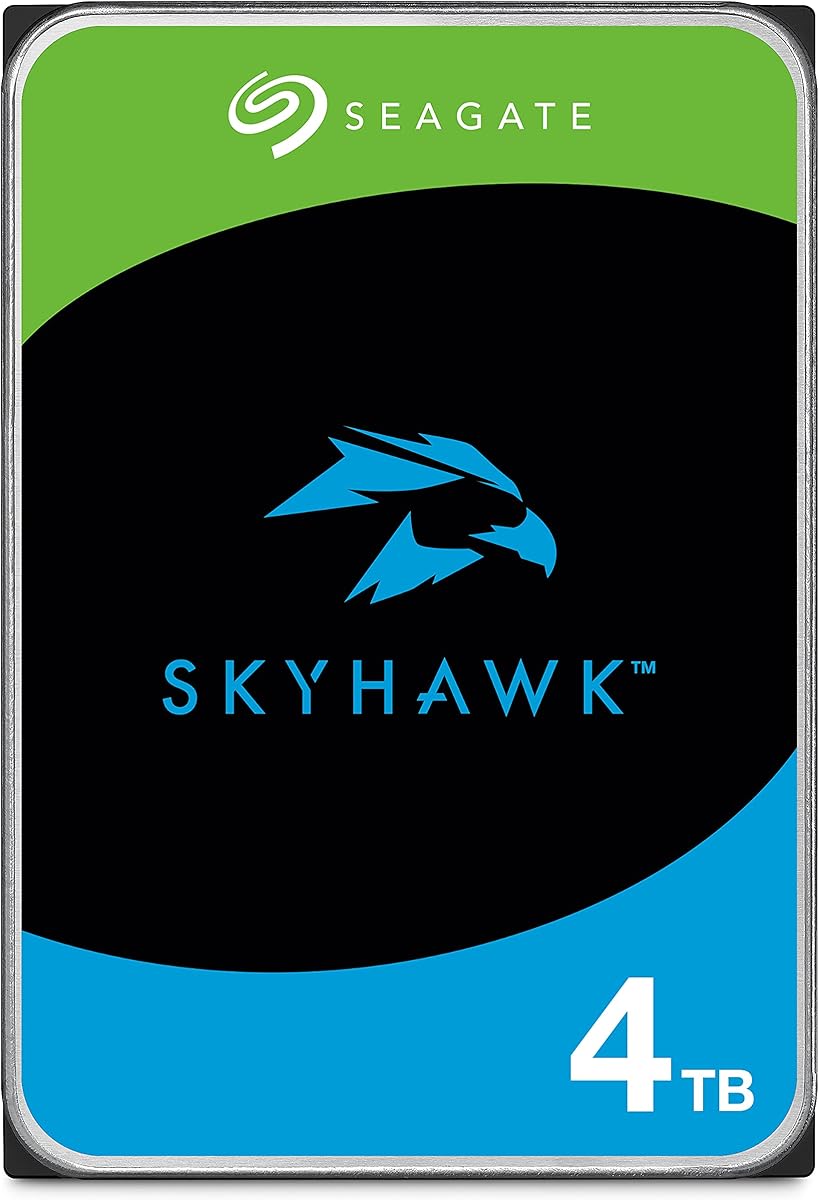
The Seagate Skyhawk 4TB is engineered for write-intensive tasks. It holds a 4.4 rating for reliability in high-throughput environments. Its optimized firmware handles multiple concurrent streams well.
We may earn a commission when you buy through this link, at no additional cost to you.
Designed for DVR and NVR systems, it supports workloads of up to 180TB/year. This translates well for media servers with multiple streams. Built-in RV sensors help maintain performance in multi-bay setups.
Surveillance drives often feature firmware tuned for continuous writes. While beneficial for video, it ensures smooth media playback without dropped frames during heavy usage periods.
This drive is a strong alternative for users needing robust streaming performance. It suits setups requiring multiple simultaneous video streams and high reliability.
SkyHawk firmware ensures crisp data handling. This prevents dropped frames during intensive streaming workloads typical of large libraries.
RV sensors allow expansion into multi-bay systems. This gives flexibility to upgrade storage capacity without replacing existing drives.
We may earn a commission when you buy through this link, at no additional cost to you.
WD Purple drives are engineered specifically for surveillance systems. With a 4.5 rating, they excel in high stream-count workloads. AllFrame AI technology reduces frame loss in complex setups.
We may earn a commission when you buy through this link, at no additional cost to you.
Tuned for write-intensive tasks, these drives handle continuous writing effectively. This ensures consistent data writing without interruptions. The drive supports up to 180 TB/yr workload rate.
Surveillance drives may differ from standard media drives in latency. However, their reliability in sustained writes makes them a strong option for continuous storage environments.
This drive suits users needing robust performance for high volume data. It is ideal for setups prioritizing uptime and high stream capacity.
AI enhancements reduce frame loss during heavy workloads. This is crucial for maintaining video quality and data consistency.
Supports configurations with more than eight bays. This ensures scalability for large-scale media or storage solutions.
We may earn a commission when you buy through this link, at no additional cost to you.
Seagate SkyHawk 4TB is custom-built for surveillance. It holds a 4.6 rating for stability in heavy use. Image Perfect firmware ensures crisp video and data integrity during high throughput.
We may earn a commission when you buy through this link, at no additional cost to you.
The workload rating of 180TB/year provides reliable performance. Rotational vibration sensors help maintain performance in RAID systems. This ensures consistent data handling even when multiple drives operate together.
Surveillance-specific firmware optimizes writing processes. This prevents data corruption and ensures consistent playback of media files stored on the drive.
This drive is ideal for users needing cost-effective high-throughput storage. It suits setups requiring reliable data writing and consistent performance over time.
Optimized for clear video delivery. This ensures media files remain intact and accessible without corruption.
Three times the rating of desktop drives. This provides higher reliability for constant streaming workloads in media servers.
We may earn a commission when you buy through this link, at no additional cost to you.
The Seagate IronWolf 6TB is designed specifically for NAS servers. It maintains a 4.4 rating for consistent performance in network storage. Its optimized firmware ensures reliability during continuous media serving.
We may earn a commission when you buy through this link, at no additional cost to you.
With 6TB capacity, it offers a balance between cost and volume. The 256MB cache aids in data buffering. This ensures stable performance during simultaneous read and write operations typical in Jellyfin setups.
While RPM is lower than desktop drives, this prioritizes longevity and reduced noise. The SATA interface ensures broad compatibility across various server enclosures.
This drive is ideal for users building a balanced NAS server. It offers reliable performance without sacrificing cost efficiency in a media-focused environment.
Optimized firmware ensures stable performance. This is essential for continuous media serving and reliable data handling.
Large cache aids in buffering data. This improves overall throughput and reduces latency during media playback.
We may earn a commission when you buy through this link, at no additional cost to you.
Selecting the correct hard drive involves balancing capacity, reliability, and performance. This guide outlines key factors to consider for your media server setup.
Determine how much storage you need based on your media library size and expected growth. For high-definition collections, aim for at least 8TB or more to avoid frequent drive replacements. Consider future upgrades to minimize data migration later.
Plan for at least 20 percent extra space to allow for system overhead and transcoding buffers. This ensures your server runs smoothly as your library grows.
NAS drives like IronWolf or WD Red are designed for 24×7 operation and multi-bay systems. Desktop drives like BarraCuda offer lower cost but lack vibration sensors and continuous operation support. Choose NAS drives for reliability in server environments.
Prioritize NAS-specific drives if you run a dedicated server. Desktop drives may suffice for light use or single-bay setups where budget is a constraint.
Conventional Magnetic Recording (CMR) drives offer consistent write speeds and reliability. Shingled Magnetic Recording (SMR) drives may suffer from slowdowns during data rewrites. Always verify CMR technology for server-grade performance.
Check product specifications carefully to confirm CMR usage. This prevents unexpected performance issues during high throughput operations.
Higher RPM drives like 7200 RPM offer faster data access but generate more heat. Lower RPM drives like 5400 RPM are quieter and more efficient for continuous use. Cache size also impacts buffering performance during streaming.
Select a balance that fits your server's cooling capabilities. Larger cache helps with smooth media loading and data buffering.
Look for warranties of at least three years to protect your investment. Some drives include data recovery services which can save time and money if failure occurs. Check manufacturer support policies for your region.
Verify warranty terms cover standard server usage. Some warranties void if drives are used in non-certified server environments.
Low-power drives reduce heat and energy costs in always-on servers. Check power specifications before purchase to ensure your power supply can handle multiple drives efficiently. Proper cooling is essential for longevity.
Consider drives optimized for energy efficiency. This reduces noise and cooling costs in your server room setup.
Ensure the drive fits your server chassis size, typically 3.5-inch for desktop servers. Verify interface compatibility such as SATA 6 Gb/s. Check physical dimensions for compact builds or custom enclosures.
Confirm fitment details before purchase to avoid installation issues. Physical constraints can limit your storage expansion options.
Premium drives often include data recovery services to protect valuable media libraries. These services can retrieve data without professional assistance in case of failure. Verify if this service is included or an add-on.
Prioritize drives with recovery services for critical libraries. This provides peace of mind for important media collections.
Install the drive securely into your server chassis using appropriate mounting brackets to reduce vibration and noise. Ensure all cables are connected firmly to prevent data errors during operation. Follow manufacturer guidelines for safe handling.
Use software tools provided by the drive manufacturer to monitor health and temperature regularly. Schedule routine checks to detect early warning signs of failure. This proactive approach extends drive lifespan and protects your media library.
Maintain proper airflow in your server case to prevent overheating. Keep dust levels low by regularly cleaning filters and vents. Proper thermal management ensures consistent performance and prevents hardware damage over time.
The best hard drive depends on your budget and setup. NAS drives like Seagate IronWolf or Western Digital Red are ideal for 24×7 use. They offer reliability and continuous operation support essential for media streaming servers.
NAS drives are better for reliability and longevity in continuous operation. They include features like vibration sensors and optimized firmware. Desktop drives may suffice for light use but are not built for 24×7 workloads.
Special drives are not required for transcoding itself, which depends on CPU/GPU. However, reliable storage ensures smooth data flow during transcoding sessions. Fast transfer speeds reduce latency and buffering during playback.
Capacity depends on your media library size. For extensive collections, 8TB or more is recommended. Consider future growth and plan for extra space for transcoding buffers and system overhead.
Yes, external drives work for Jellyfin storage. They are convenient for easy expansion but may have slower speeds than internal drives. Ensure the interface supports high throughput for smooth media playback.
CMR stands for Conventional Magnetic Recording. It ensures consistent write speeds and reliability. Avoid SMR drives for servers as they may slow down during data rewrites.
Hard drives typically last 5 to 7 years with proper care. Monitor health regularly using software tools. Replace drives showing signs of wear or errors to prevent data loss.
Drive speed impacts how quickly media files load and stream. Fast transfer rates reduce buffering. High-speed drives ensure smooth playback especially with multiple users streaming simultaneously.
In summary, the Seagate IronWolf 4TB, Seagate BarraCuda 8TB, and Western Digital WD Red Plus 8TB stand out as top choices for Jellyfin servers. Each offers distinct strengths for budget, performance, and reliability needs.
Prioritize NAS-specific drives for 24×7 operation to ensure longevity. Balance capacity and speed based on your library size and expected usage. Proper cooling and maintenance are essential for optimal performance.
Remember to check current prices and availability before purchasing. Prices fluctuate daily and models may change. Verify specifications to ensure compatibility with your server setup before finalizing your order.