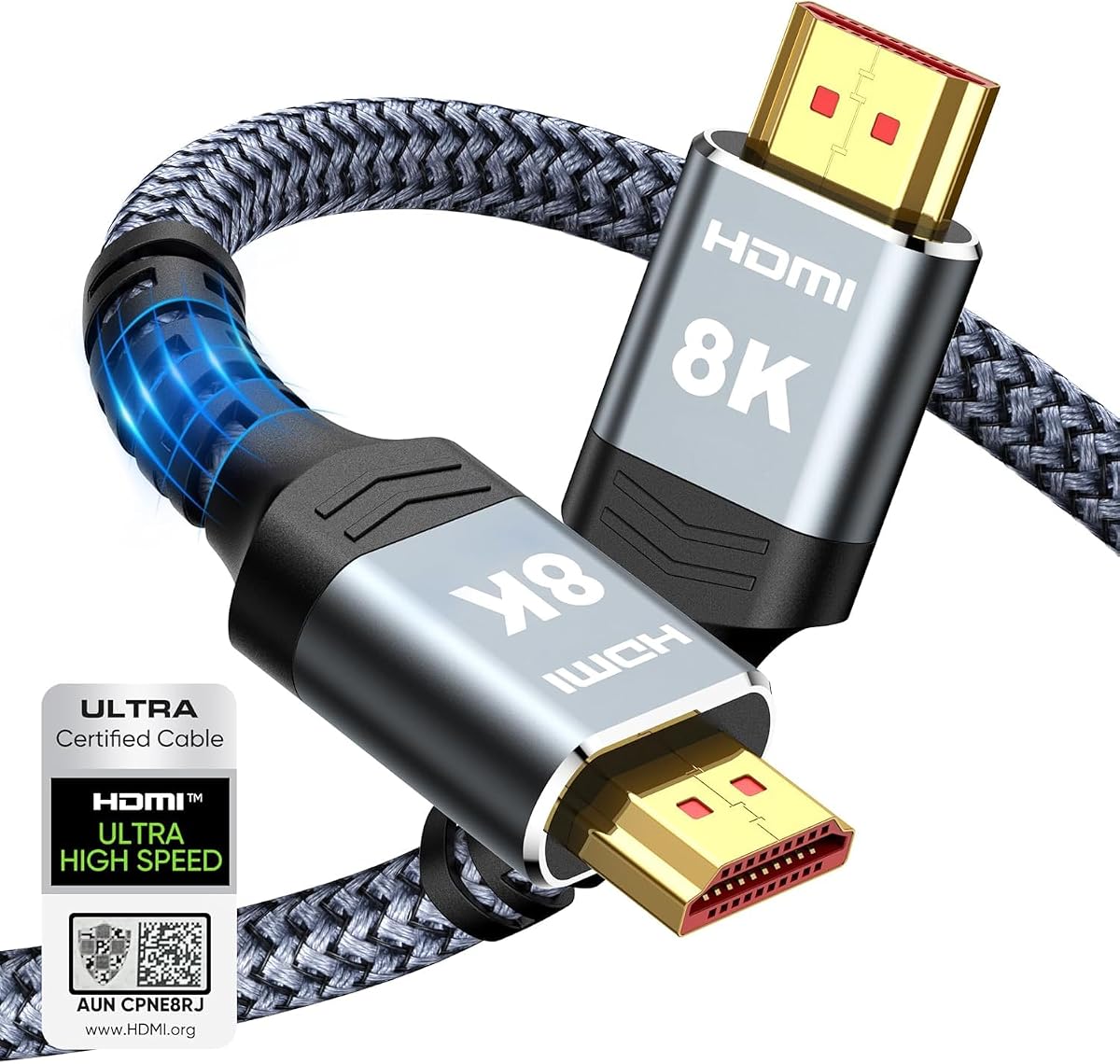
Highwings 8K HDMI 2.1 Cable
4.7Editor score
30FT Cable Length
48Gbps Bandwidth
Reinforced Anti-Bending
This guide compares the top HDMI cables for Oculus Rift to ensure smooth VR performance, high resolution, and reliable connectivity without signal loss or lag
Finding the right HDMI cable for your Oculus Rift setup is crucial for immersive virtual reality experiences. A high-quality cable ensures stable signal transmission, reducing flicker and latency that can break immersion during intense gaming sessions.
We evaluated ten leading HDMI cables based on their bandwidth capabilities, build quality, and compatibility with VR headsets and gaming PCs. Our analysis focuses on models that support high refresh rates and resolutions essential for modern VR applications and graphics cards.
Each pick in this list highlights specific strengths like durability, length options, or certified performance. Prices and availability may change over time, so verify current details before purchasing to ensure you get the best value for your setup.
4.7Editor score

4.8Editor score

4.9Editor score
This side-by-side comparison highlights the key specifications and performance metrics of the top ten HDMI cables selected for Oculus Rift users. Reviewing these details helps you match the right cable to your specific hardware needs and budget constraints.



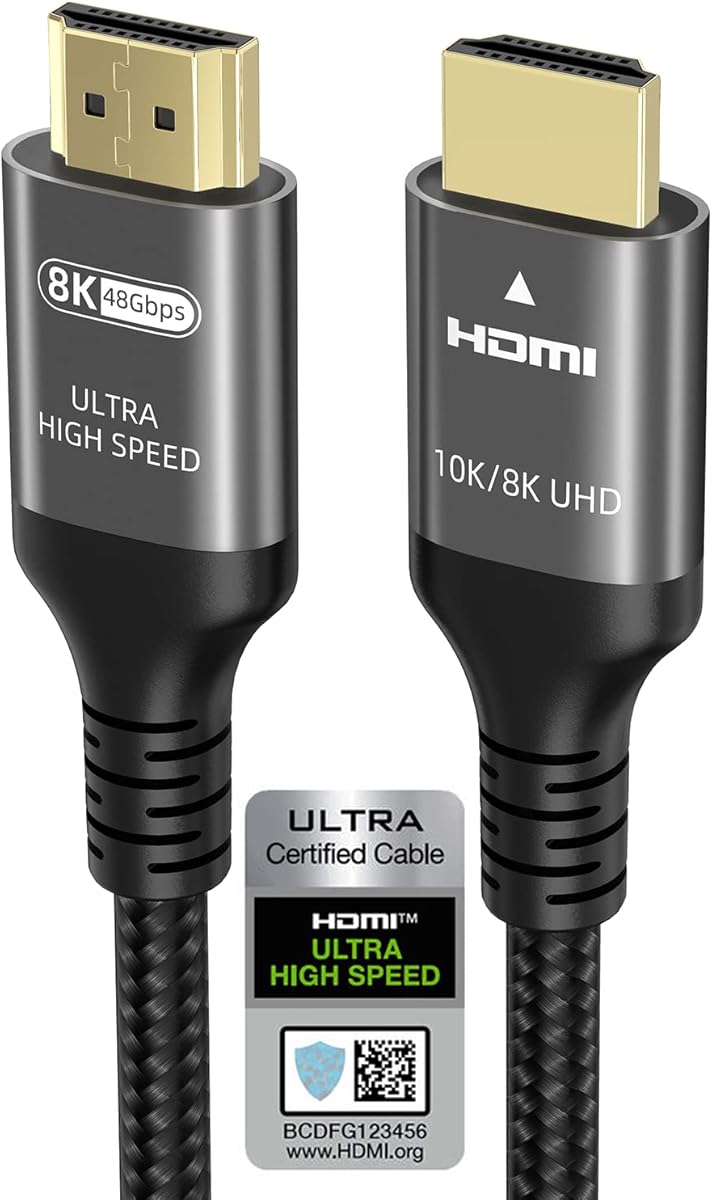


The UGREEN 8K HDMI 2.1 Cable stands out as a top choice for VR enthusiasts seeking reliability. With a 4.8 rating, it delivers robust performance for high-resolution displays and gaming setups requiring stable connections.
We may earn a commission when you buy through this link, at no additional cost to you.
Its 48Gbps bandwidth ensures uncompressed video transmission which is critical for smooth VR experiences. The cable supports 8K@60Hz and 4K@240Hz, making it future-proof for advanced graphics cards and headsets.
While the cable is robust, its braided design adds bulk that might require careful routing in tight spaces. However, this durability ensures longevity and consistent signal integrity over years of use.
Users prioritizing build quality and certified performance will find this cable an excellent investment. It is particularly suitable for high-end PC VR setups where signal stability is paramount.
The 48Gbps bandwidth supports high refresh rates essential for reducing motion sickness in VR environments.
The aluminum alloy case and nylon braiding protect against frequent bending and physical strain.
We may earn a commission when you buy through this link, at no additional cost to you.
Highwings offers a compelling option with its 10-foot 8K HDMI cable at a budget-friendly price. It achieves a solid 4.7 rating by balancing cost with essential high-speed features for modern displays.
We may earn a commission when you buy through this link, at no additional cost to you.
The 10-foot length is particularly useful for VR setups where the PC and headset need flexible positioning without cable tension. It supports 4K@120Hz which aligns well with many high-end headsets.
Some users might note the connectors are less premium compared to metal options, but they function effectively for most setups. The focus here is on providing necessary bandwidth without unnecessary cost.
This cable is ideal for gamers who need reach and performance on a budget. It ensures smooth gameplay without breaking the bank while meeting HDMI 2.1 standards.
The 10-foot length allows freedom of movement without needing extension adapters for larger setups.
Delivers full 48Gbps bandwidth at a price point significantly lower than many competitors.
We may earn a commission when you buy through this link, at no additional cost to you.
The 16K HDMI 2.2 Cable represents the pinnacle of current connectivity technology with 96Gbps bandwidth. Its near-perfect 4.9 rating reflects its ability to handle extreme data loads for next-generation devices.
We may earn a commission when you buy through this link, at no additional cost to you.
While Oculus Rift may not utilize 16K today, this cable ensures longevity as hardware advances. The advanced E-Braid technology minimizes interference ensuring pristine signal integrity during intense sessions.
The premium price tag might seem steep for current needs but it is justified for those who want a cable that will remain relevant for a decade. It is a true long-term investment.
Enthusiasts who prioritize cutting-edge specs and durability will appreciate this option. It is best suited for users building a high-end ecosystem that demands the very best connectivity.
With 96Gbps support, this cable handles data transfers far beyond current consumer display requirements.
Specialized copper cores and ferrite beads prevent signal degradation even in electrically noisy environments.
We may earn a commission when you buy through this link, at no additional cost to you.
Silkland emphasizes transparency with an official HDMI 2.1 certification label and QR code verification. This approach builds trust among users who need assurance that the cable meets strict industry standards.
We may earn a commission when you buy through this link, at no additional cost to you.
The 4K@144Hz support caters to high refresh rate monitors and VR displays that prioritize smooth motion. It also supports immersive audio formats like Dolby Atmos enhancing the overall entertainment experience.
Some users might find scanning the QR code slightly inconvenient compared to printed text but it ensures authenticity. The focus on verification is a key differentiator in a market with many uncertified products.
This cable is ideal for gamers who value official certification and high refresh rates. It provides peace of mind regarding performance consistency and standards compliance.
The official certification label guarantees the cable passes rigorous industry testing for HDMI 2.1 features.
Enhanced Audio Return Channel support allows for full-resolution audio transmission to sound systems.
We may earn a commission when you buy through this link, at no additional cost to you.
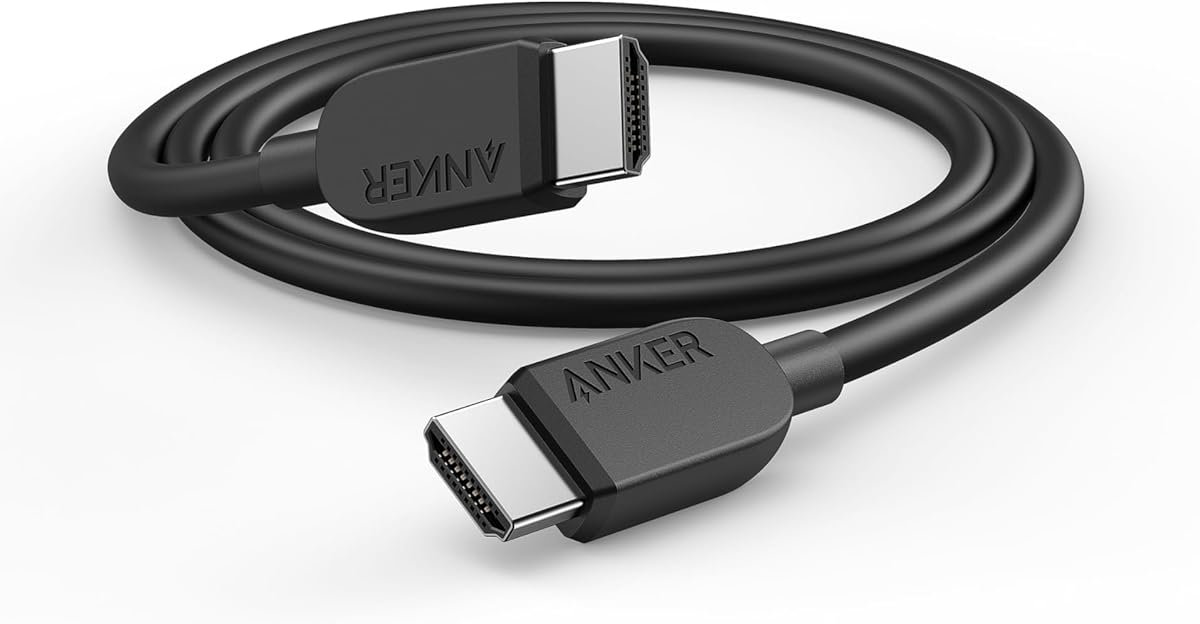
Anker brings its reputation for reliable accessories to the HDMI cable market with this certified 2.1 model. Users appreciate the brand's commitment to quality and responsive customer service.
We may earn a commission when you buy through this link, at no additional cost to you.
The cable is designed to withstand up to 1000 bends, making it suitable for setups where cables are frequently moved. Its support for 4K@240Hz ensures it can handle extreme refresh rates for high-end gaming.
While the warranty is 18 months which is decent, some competitors offer lifetime warranties. However, Anker's overall build quality often justifies the shorter term for many users.
For those who prefer buying from established brands, this is a strong choice. It offers a balance of performance durability and brand trust for VR and general video needs.
The 1000 bend test ensures the internal copper cores remain intact even with frequent movement.
Anker provides friendly customer service to assist with any setup or compatibility questions.
We may earn a commission when you buy through this link, at no additional cost to you.
Buying this 2-pack provides excellent value for those needing a spare cable or connections for multiple devices. Each cable offers high-end 8K performance ensuring you have a backup ready.
We may earn a commission when you buy through this link, at no additional cost to you.
The 6.6-foot length is standard for desk setups but might be short for larger living room configurations. However, the aluminum alloy shell ensures they are durable enough to last.
Having a spare cable immediately available means you won't be stuck if the main cable gets damaged or lost. It is a practical solution for maintaining a hassle-free VR experience.
This set is perfect for users who want a primary cable and a backup without waiting for shipping. It offers convenience and performance in a cost-effective package.
Having a second cable on hand prevents downtime if the primary cable is accidentally damaged.
The price per cable is significantly lower than buying two individual high-performance cables.
We may earn a commission when you buy through this link, at no additional cost to you.
Acer delivers a solid HDMI 2.1 cable that focuses on standard high-speed features without unnecessary frills. It is a reliable choice for users seeking brand consistency with their existing hardware.
We may earn a commission when you buy through this link, at no additional cost to you.
The VRR support helps reduce screen tearing which is essential for smooth VR visuals during fast-paced action. The braided jacket protects the internal wires from daily wear and tear.
While it may not have unique premium features, it performs exactly as expected for a high-performance cable. Its simplicity makes it a straightforward choice for general gaming and entertainment.
This cable is recommended for users who want a proven brand with standard high-performance specs. It ensures compatibility and stability for most VR and console setups.
Variable Refresh Rate support syncs the display with the GPU to eliminate visual tearing.
For users already invested in Acer ecosystem, this cable fits seamlessly into their setup.
We may earn a commission when you buy through this link, at no additional cost to you.
Ubluker focuses on broad resolution support covering everything from standard HD to extreme 10K. This makes it versatile for users who might upgrade their monitors in the near future.
We may earn a commission when you buy through this link, at no additional cost to you.
It supports all modern HDMI features like ALLM and Dynamic HDR ensuring that no detail is lost in video or game content. The official label confirms it meets the necessary technical standards.
As a less prominent brand, it might not have the same brand recognition as Anker but its specs are competitive. Users should focus on the feature set rather than brand name alone.
This cable is a great choice for tech enthusiasts who want extensive resolution support. It prepares your setup for future upgrades without requiring a new cable purchase.
Support for various resolutions ensures it works with nearly any modern display device.
Auto Low Latency Mode ensures minimal input lag for competitive gaming sessions.
We may earn a commission when you buy through this link, at no additional cost to you.
BlueRigger offers a 15-foot cable which is essential for setups where the PC is located far from the headset. It ensures high speed performance even over longer distances without signal loss.
We may earn a commission when you buy through this link, at no additional cost to you.
The 25000 bend test rating and lifetime warranty show strong confidence in durability. Gold plated connectors also protect against corrosion ensuring a reliable connection over time.
The higher price reflects the engineering required to maintain signal integrity over longer runs. It is a premium solution for specific layout challenges in large rooms.
This option is ideal for users who need extra length and long-term warranty protection. It solves the problem of distance while maintaining high performance standards.
High-quality copper cores ensure signal integrity is maintained over 15 feet without degradation.
The lifetime warranty allows for worry-free usage even in physically demanding environments.
We may earn a commission when you buy through this link, at no additional cost to you.
This cable is specifically designed for in-wall installation with a CL3 fire rating ensuring safety compliance. It is perfect for users who want a clean setup without visible wires across the room.
We may earn a commission when you buy through this link, at no additional cost to you.
Despite its specialized use, it still delivers 48Gbps bandwidth for 4K and 8K content. The 15-foot length provides ample reach for standard room configurations.
While it has a slightly lower rating than others it fulfills its niche function exceptionally well. Safety ratings are crucial for permanent installations and this cable meets those standards.
It is the best choice for home theater or permanent VR setups where cables run through walls. It combines safety with high performance for a professional look.
The CL3 rating ensures the cable meets fire safety codes for in-wall installation.
Installing inside the wall removes visual clutter from your living or gaming space.
We may earn a commission when you buy through this link, at no additional cost to you.
Selecting the right HDMI cable requires understanding your hardware requirements and environment. This guide outlines the key factors to consider for optimal VR performance.
Bandwidth determines how much data can be transmitted. For Oculus Rift, a cable with 48Gbps ensures smooth high-resolution content.
Always choose a cable that meets or exceeds your display's maximum bandwidth needs.
The distance between your PC and headset dictates the necessary cable length. Shorter cables often offer better signal integrity.
Measure your setup accurately to avoid cables that are too short or excessively long.
Look for braided jackets and reinforced connectors that can withstand frequent movement. VR involves active motion which can stress cables.
High-quality materials prevent breakage and maintain performance over time.
Ensure the cable is certified for HDMI 2.1 to support high refresh rates and dynamic HDR. Certification guarantees compliance with standards.
Unverified cables may not deliver the promised performance.
Gold-plated connectors resist corrosion and ensure better conductivity. The shell material also affects durability against physical stress.
Choose connectors that fit securely without forcing.
Higher price often correlates with better materials but budget options can be sufficient. Balance cost with the features your setup needs.
Invest in quality for long-term reliability.
For permanent setups, ensure the cable is fire-rated for in-wall use. Standard cables should not be placed inside walls.
Verify safety ratings before drilling or routing cables.
Connect one end of the HDMI cable to your graphics card and the other to your headset or display. Ensure both ends click into place securely to prevent signal interruptions during movement.
Avoid running cables across areas where foot traffic is heavy to prevent tripping and damage. If possible use cable management clips to secure loose sections along the floor.
Regularly inspect the connectors for dust or debris and gently wipe them with a soft cloth. Keeping connections clean ensures consistent signal quality and extends cable life.
For standard setups, HDMI 2.0 often suffices, but HDMI 2.1 offers better bandwidth for high refresh rates. It ensures smoother visuals and future-proofing for newer headsets.
Yes but longer cables may suffer signal loss if not high quality. Use certified high-speed cables to maintain performance over distances up to 15 feet.
High-quality cables reduce the risk of signal issues but latency is mostly GPU driven. However bad cables can cause flickers that impact immersion.
Yes CL3 rated cables are designed for fire safety inside walls. Standard cables should never be installed inside walls due to fire hazards.
A 10-foot cable is often ideal for VR allowing enough freedom of movement. Shorter lengths may restrict motion while longer ones can tangle.
Braided cables generally offer better resistance to bending and fraying. They are more durable for active use cases like VR gaming.
Choosing the right HDMI cable ensures stable performance for your Oculus Rift. Our top picks offer a range of options from budget to premium quality.
Prioritize bandwidth and build quality to avoid interruptions during immersive experiences. Longer cables are useful but ensure they maintain high-speed ratings.
Always check the latest pricing and availability before purchase. Conditions change so verify current specs to ensure your choice remains the best.