
Linksys Atlas WiFi 6 Router Home WiFi Mesh System 2-Pack
4.4Editor score
Covers up to 4500 sq ft
Supports 50 plus devices
Fast 3.0 Gbps speeds
This comprehensive guide compares the top Linksys Mesh WiFi System models to help you choose the best whole home coverage solution for your specific needs and
Finding the right network solution can be challenging with so many options available today. A reliable system ensures seamless connectivity throughout your entire property without dead zones or slow speeds.
We evaluated ten top models based on coverage, speed, device capacity, and ease of setup. Each product offers unique features designed to meet different household requirements and technical preferences.
Every pick highlights key strengths and potential trade-offs to guide your decision. Please note that availability and pricing may change frequently so verify details before purchasing.
4.4Editor score

4.2Editor score

3.2Editor score
The following table provides a side-by-side overview of all ten models evaluated in this guide. Compare key specifications to determine which system aligns best with your home layout and connectivity demands.


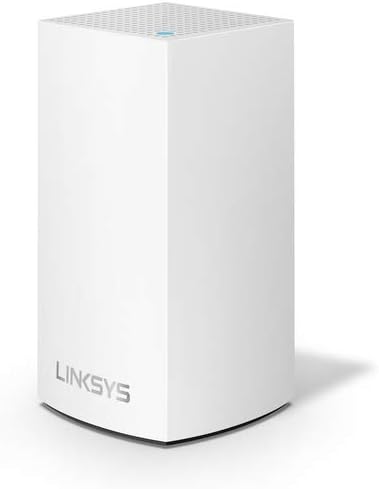

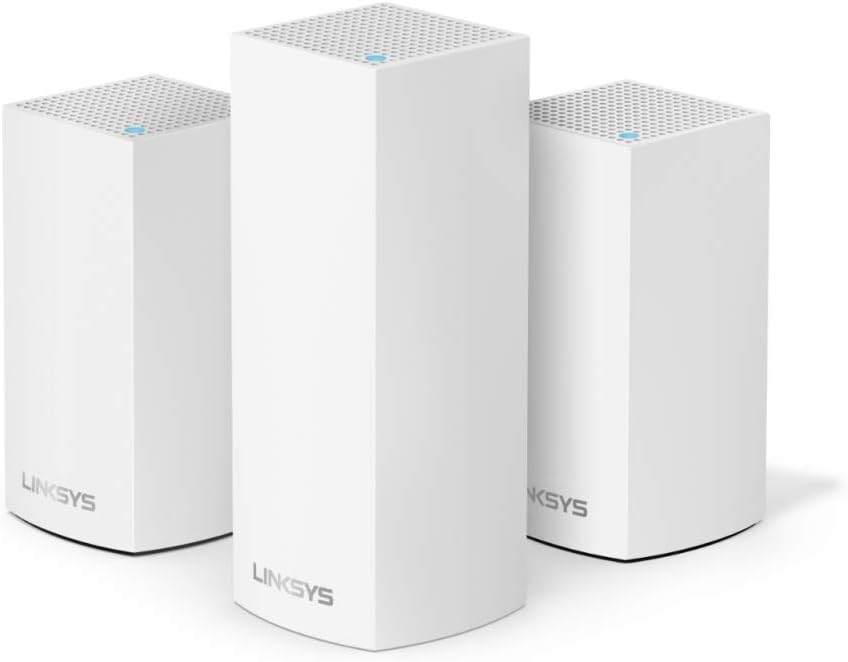

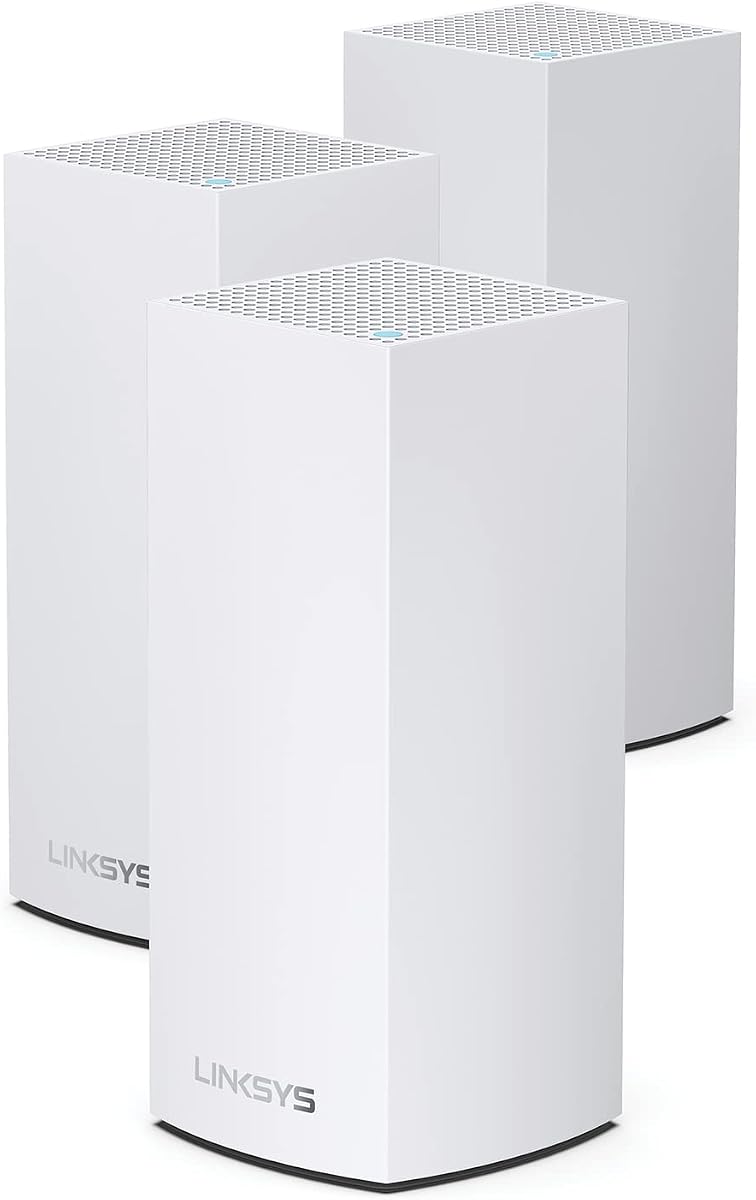
The Linksys Velop Micro 7 stands out as a top contender in the modern mesh market. It brings cutting-edge WiFi 7 technology to your home for superior speed and efficiency.
We may earn a commission when you buy through this link, at no additional cost to you.
Its standout features include instant setup without requiring an app and strong privacy controls that keep your data safe. The system supports plans up to 2.5 Gbps ensuring fast connections.
While the price is higher than older models the performance gains and eco-friendly build justify the investment. It is an excellent choice for tech-forward households needing future-proof coverage.
Buyers seeking the latest WiFi standards and robust security should consider this model. It delivers seamless performance for gaming and streaming without compromising on privacy or sustainability.
Connect devices instantly using the Linksys Instant-Pair button without creating an account or sharing personal info.
Built with over 60 percent post-consumer recycled plastics and 100 percent recyclable aluminum for a sustainable footprint.
We may earn a commission when you buy through this link, at no additional cost to you.
This Atlas WiFi 6 model offers excellent value for those needing reliable whole home coverage without breaking the bank. It supports up to 50 devices and provides 4500 sq ft of coverage per pack.
We may earn a commission when you buy through this link, at no additional cost to you.
Key strengths include easy setup via the Linksys App and built-in parental controls for family safety. The automatic firmware updates ensure your network stays secure and efficient over time.
While it lacks the latest WiFi 7 capabilities it delivers strong performance for most standard household needs. The 2 pack configuration may require adding nodes for larger estates.
Budget-conscious shoppers looking for stable connectivity and security features will find this model appealing. It balances cost and performance effectively for medium-sized homes.
Delivers lightning-fast gigabit speeds and supports 50 plus devices with stable streaming and low latency gaming.
Manage devices and set parental controls easily through the free app while automatic updates keep your network safe.
We may earn a commission when you buy through this link, at no additional cost to you.
The Velop Pro 7 is designed for large estates needing extreme capacity and speed. It covers up to 9000 sq ft and connects over 200 devices simultaneously with WiFi 7 efficiency.
We may earn a commission when you buy through this link, at no additional cost to you.
Its cognitive mesh technology optimizes performance by setting nodes intelligently. Family safety features like safe browsing and schedules add peace of mind without subscriptions.
The premium price reflects its high-end capabilities but may be excessive for average homes. Setup requires attention to node roles for optimal results.
Tech enthusiasts with sprawling properties should consider this system for unmatched capacity and speed. It represents the peak of what Linksys offers in home networking.
Sets up parent and child nodes automatically to maximize performance and eliminate dead spots across large homes.
Built-in safe browsing and internet bedtime schedules keep kids protected online without requiring a subscription.
We may earn a commission when you buy through this link, at no additional cost to you.
This 3-pack Atlas model offers robust coverage for large single-story homes. It supports up to 75 devices and ensures stable connectivity with wire-like low latency for streaming.
We may earn a commission when you buy through this link, at no additional cost to you.
Setup is straightforward with the free Linksys App allowing you to prioritize devices easily. Guest networks and automatic updates keep your network organized and secure.
It trades some advanced features for reliable performance and broader range. The need for an app setup may be a minor drawback for some users.
Families needing extensive coverage and device capacity will appreciate its balance. It is a solid mid-range option for expanding home networks without complexity.
Eliminate dead zones dynamically with intelligent mesh technology that maximizes speed across up to 6000 sq ft.
View and prioritize connected devices easily using the app to manage bandwidth and network usage efficiently.
We may earn a commission when you buy through this link, at no additional cost to you.
A classic model from the Velop line this Tri-Band system offers good performance for older networks. It provides 4000 sq ft coverage and combines three bands for faster speeds.
We may earn a commission when you buy through this link, at no additional cost to you.
Setup is quick via the Linksys App on iOS or Android allowing remote monitoring. It is a cost-effective solution for basic whole home mesh needs.
Being an AC model it lacks modern Wi-Fi 6 efficiency but remains reliable for standard use. It suits users upgrading from traditional routers to mesh systems.
Homeowners seeking simple mesh functionality at a lower price will find this appealing. It delivers consistent coverage without unnecessary complexity.
Three bands deliver the fastest combined Wi-Fi speeds to more devices reducing congestion effectively.
Control your home Wi-Fi from anywhere to ensure your network stays secure and responsive.
We may earn a commission when you buy through this link, at no additional cost to you.
This renewed model offers a budget-friendly entry into mesh networking. It is ideal for smaller homes or apartments needing reliable coverage up to 1500 sq ft.
We may earn a commission when you buy through this link, at no additional cost to you.
Setup is simple using the Linksys App ensuring quick connectivity. It replaces existing routers seamlessly connecting to any ISP modem for immediate use.
While limited in range and condition it provides a cost-effective solution for basic needs. Users should verify renewal terms for warranty details.
Renters or those with small spaces may find this sufficient. It delivers fast reliable coverage for streaming and gaming without high cost.
Provides whole home mesh coverage at a low price point perfect for apartments and single story homes.
Connects to existing modem from any ISP to replace your old router with mesh coverage easily.
We may earn a commission when you buy through this link, at no additional cost to you.
This 2024 release offers WiFi 6 speeds with a unique setup approach that does not require an app. It covers up to 5000 sq ft and supports over 100 devices.
We may earn a commission when you buy through this link, at no additional cost to you.
Key strengths include fast speeds and ease of initial setup without software dependencies. The 3-pack ensures broad coverage for multi-story homes.
User ratings suggest some variability in experience likely due to new release status. Limited app features may restrict advanced control compared to other models.
Users preferring minimal software interaction will appreciate this design. It balances speed and capacity well for modern multi-device households.
The Micro 6 Dual-Band Mesh WiFi system ensures seamless connectivity across your entire home.
Connect 100 plus devices smoothly making it ideal for busy households with many gadgets.
We may earn a commission when you buy through this link, at no additional cost to you.
This intelligent mesh system provides reliable coverage up to 5000 sq ft with a high user rating. It replaces your router and connects seamlessly with your modem.
We may earn a commission when you buy through this link, at no additional cost to you.
Key strengths include tri-band performance for reduced congestion and stable connections. The 3-pack ensures whole home coverage for standard residences.
Being an AC model it lacks newer Wi-Fi 6 standards but remains effective for many users. Setup is fast ensuring immediate network availability.
Buyers seeking proven reliability without cutting-edge tech will value this option. It offers strong performance for streaming and gaming in medium homes.
Automatically routes traffic to the best path for stable connections and reduced dead zones.
Delivers reliable speeds to every corner of your home ensuring no area is left without signal.
We may earn a commission when you buy through this link, at no additional cost to you.
This bundle includes one tri-band and two dual-band nodes for flexible deployment. It covers up to 5000 sq ft and replaces existing routers for whole home mesh.
We may earn a commission when you buy through this link, at no additional cost to you.
Strengths include the ability to place tri-band nodes where needed most. Setup is simple via the app ensuring quick connectivity.
The mix of nodes may be confusing to those unfamiliar with mesh systems. Performance is solid for standard household use without advanced features.
Buyers wanting customizable coverage will appreciate this flexibility. It offers a practical solution for expanding mesh networks efficiently.
Bundle includes one tri-band and two dual-band nodes allowing you to optimize placement for better signal.
Provides fast reliable Wi-Fi coverage for streaming and gaming across large multi story homes.
We may earn a commission when you buy through this link, at no additional cost to you.
This Atlas Pro 6 model offers Wi-Fi 6 stability with 160 MHz channels for faster speeds. It uses Dynamic Frequency Selection to reduce interference ensuring reliable connections.
We may earn a commission when you buy through this link, at no additional cost to you.
Strengths include wire-like stability from the Qualcomm platform. The 3-pack ensures decent coverage for medium-sized homes.
It lacks some advanced features found in higher-end models but delivers consistent performance. Setup is straightforward for most users.
Buyers seeking stable Wi-Fi 6 without complex features will find this suitable. It balances reliability and cost for everyday home networking needs.
Qualcomm Immersive Home 216 Platform delivers stable connectivity that rivals wired connections.
Dynamic Frequency Selection reduces interference to maintain consistent speeds in crowded areas.
We may earn a commission when you buy through this link, at no additional cost to you.
Selecting the right mesh system depends on your home size and device needs. This guide helps you evaluate key factors to make an informed choice.
Assess the square footage of your home to ensure the mesh system covers every room. Models vary from 1500 sq ft to 9000 sq ft so choose based on your layout.
Always select a system that exceeds your total square footage to account for walls and obstacles.
Count the number of devices you connect daily to avoid network congestion. Some systems support 50 devices while others handle 200 plus without slowdowns.
Prioritize higher device capacity if you have many smart home gadgets or family members using the network.
Consider whether you need Wi-Fi 6 or the newer WiFi 7 for future-proofing. WiFi 7 offers faster speeds and lower latency but costs more than Wi-Fi 6.
Choose the latest standard if you want to stay ahead of technology trends for several years.
Check if the system requires an app for setup or offers instant connection options. App-free setups save time and simplify initial installation for non-tech users.
Look for intuitive apps with features like parental controls to manage your network easily.
Determine how much you are willing to spend to narrow down your options. Entry-level models offer basic coverage while premium models include advanced features and higher speeds.
Balance cost with performance to ensure you get the best value for your specific needs.
Ensure the system includes automatic firmware updates and guest networks for safety. Some models also offer built-in safe browsing without requiring extra subscriptions.
Prioritize security features if you have children or sensitive data on your network.
Check how many nodes are included in the pack to avoid buying extras later. Larger packs offer broader coverage but may cost more upfront.
Choose a pack size that matches your home layout to prevent dead zones effectively.
Confirm you can add nodes later if your home grows or needs change. Most systems allow easy expansion by simply adding another compatible node.
Select a system that supports additional nodes to maintain coverage as your needs evolve.
Start by placing the main node near your modem for optimal connection. Ensure it is in an open area to broadcast signals evenly across your home.
Add child nodes in areas with weak signals to extend coverage. Use the Linksys App to check connection status and adjust placement if needed.
Keep your system updated by enabling automatic firmware updates. Regular updates ensure security and performance improvements over time.
WiFi 7 offers faster speeds, lower latency, and better handling of multiple devices compared to WiFi 6. It is designed for future needs and higher performance.
Most Linksys models include basic security features like parental controls and guest networks without subscriptions. Some advanced security may require optional services.
You can expand your network by purchasing additional compatible nodes and adding them via the app. Ensure the new node matches the existing system model.
Yes Linksys mesh systems connect to any ISP modem replacing your existing router. They work with major providers including cable and fiber connections.
A single node typically covers 1500 to 2200 sq ft depending on the model. Multiple nodes are needed to cover larger homes effectively.
Most models offer simple setup via a mobile app or instant connect buttons. The process usually takes under 10 minutes for most users.
Yes many Linksys models include features like low latency and device prioritization for gaming. These ensure smooth online gameplay without lag.
Compare your home square footage and device count with the model specifications. Choose a system that covers your area and supports your device load.
The top picks offer a range of options for different budgets and needs. The Velop Micro 7 leads in speed while the Atlas WiFi 6 provides great value.
Prioritize coverage area and device capacity to ensure reliable performance. Choose WiFi 7 for future-proofing or WiFi 6 for cost-effective stability.
Always check current availability and pricing before purchasing. Your ideal system will provide seamless connectivity and peace of mind.